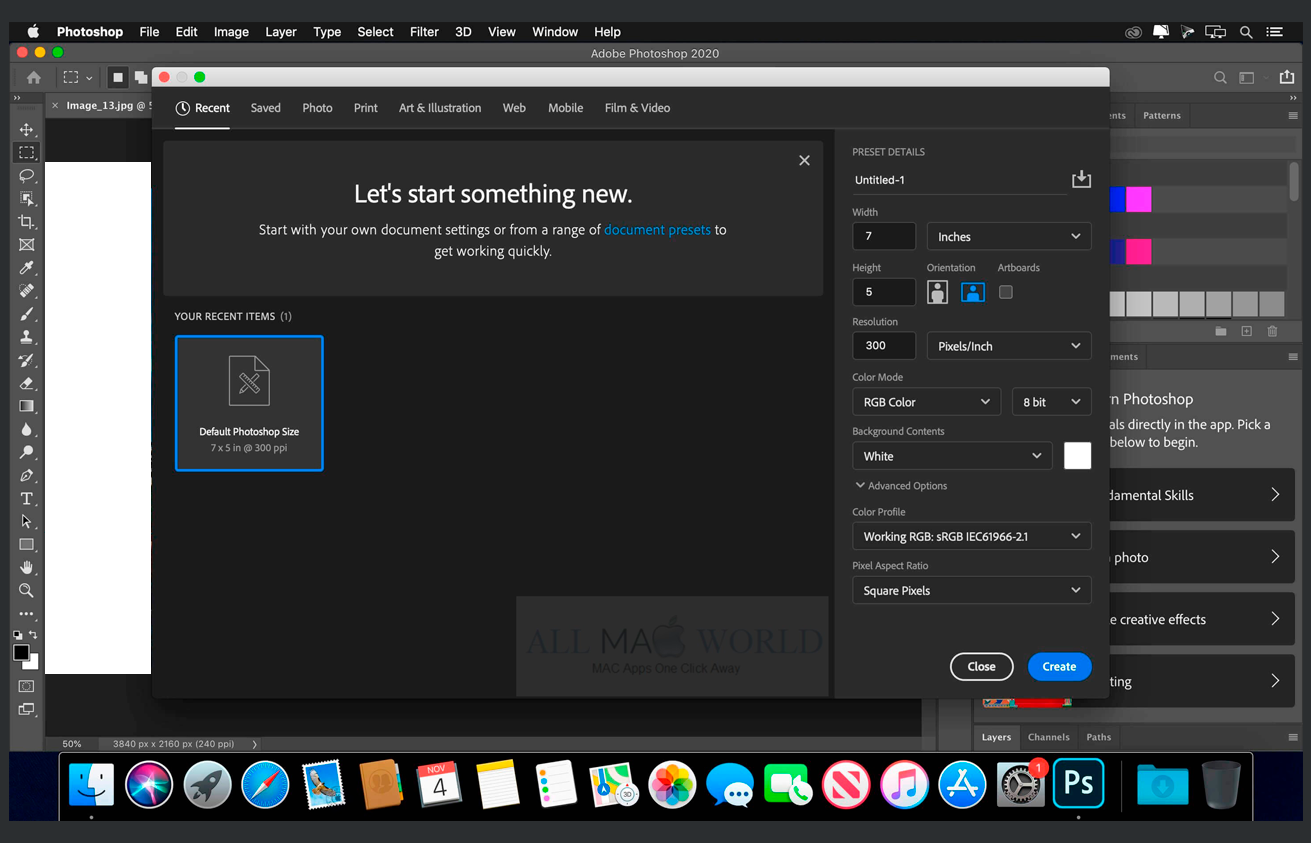
Looking at Adobe ® Photoshop
software-capabilities and human-software-relationships
Research
Creativity is a vast area of study. Thinkers and researchers have been compelled to define, identify, categorize, measure, and induce/produce creativity for a long time. Many theories have developed over time. Some of these theories consider creativity through the lens of magnitude, some through focus (process, product, person, press/context), some through human development and cognition (psychometric measures), some through economics and impact. There are many more theoretical lenses. The most pervasive understanding of creativity currently in use leans towards both an individualistic definition, and a socio-cultural definition. The individualistic definition of creativity describes a new "mental combination that is expressed" in the world. The socio-cultural definition describes a "product" that is judged to be novel, appropriate, and useful or valuable. This product-oriented socio-cultural definition is so pervasive it is sometimes referred to as the “consensual definition" and behaves like an assumption. To us a consensual understanding of the scale/scope of creativity is an interesting paradox. Why individualized expression? Why product-orientation? How can something as dynamic and complex as creativity ever be settled? Our goal is to reflect on established norms and consider alternative futures.
Position
We are artists, designers, researchers, and scholars. Our practices intersect studio, industry, and academic domains. Our age-bracket places us in a population that first encountered computers, software, internet, and the web as each of these technologies were born, made accessible, and integrated into daily life. In 2018 we were visiting researchers in residence at the Media Archeology Lab (MAL) at the University of Colorado in Boulder. Our approach was exploratory-discovery-mode + open-mind. Our experience of the Media Archeology Lab (MAL) and its hands-on collection of working classic computers, command-lines, operating systems, and software, along with the missing internet connectvity, was familiar, inspiring, and deeply sensational.
About Us
Jess Parris Westbrook (they/them) holds queer and feminist worldviews and studies forces at play in social landscapes, educational environments, and learning scenarios. Westbrook's philosophy is rooted in interdisciplinarity, immersion, inquiry and experimentation, critical technical practice, information experience, project-based learning, and the disregard of power. contact: everybody[at]onchanneltwo[dotcom]
Why Photoshop
Adobe® Photoshop has a dominating presence across "creative" industries and "creative" lives. Its interface is a standard. Its specific constraints and permissions impact millions and millions of "creative" decisions and outcomes. At the Media Archeology Lab (MAL) we installed and navigated Adobe® Photoshop versions 1-6 and reflected on both the UI/UX and creative software capabilities over time as well as our very real human-software-relationship with each and every upgrade released since 1990.
From an HCI/UI/UX perspective it may be that Adobe® Photoshop is a perfectly tuned incremental instrument/tool for both its user tasks and its underlying corporate interests. From a creativity perspective Adobe® Photoshop, the brand, its ubiquity, and its pervasive influence, appeals to and reinforces the consensual definition of creativity. Creative means expressive, and creativity means product.
For us this research pathway is just beginning. Tracing the software-capabilities of Adobe® Photoshop was an excellent way to reflect on established norms and corporate influences embedded in technology. There is an obvious appeal to investigating Adobe® intelligence the crash-log collections repurposed, the invasive monitoring performed through cloud computing, machine-learning practices enabled through crowd-sourcing, and the very real potential to eliminate the human from Adobe® Photoshop's particular (limited and/or strategic) understanding of creative and creativity. We are moving past these currents and are doing studies that investigate human-human-relationships and something more hopeful in the future of human-software-relationships.
Photoshop Prehistory
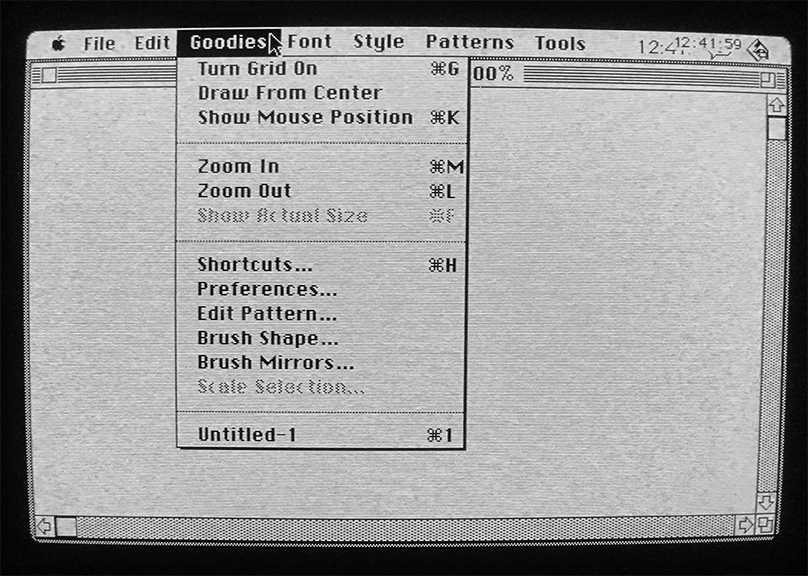
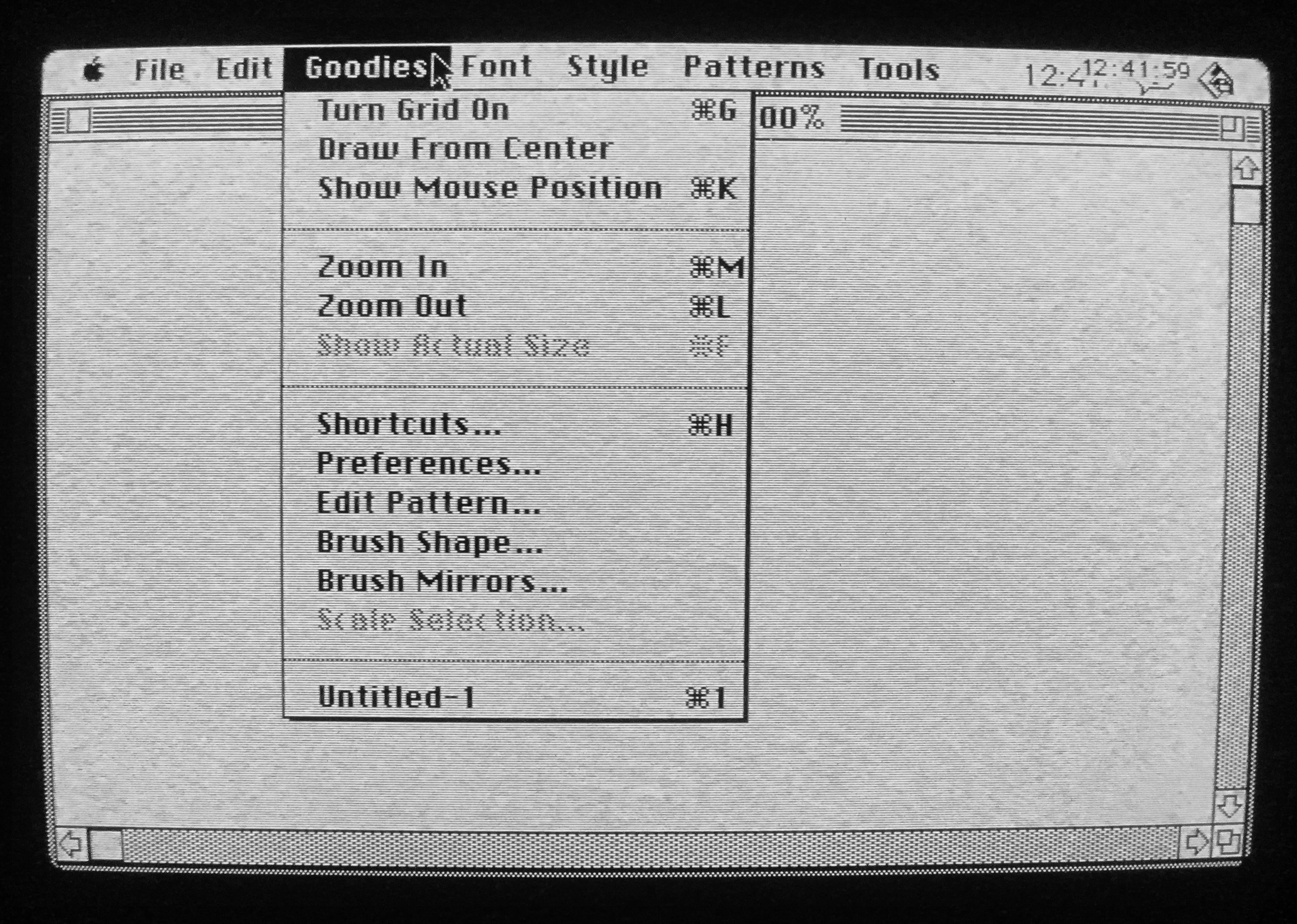
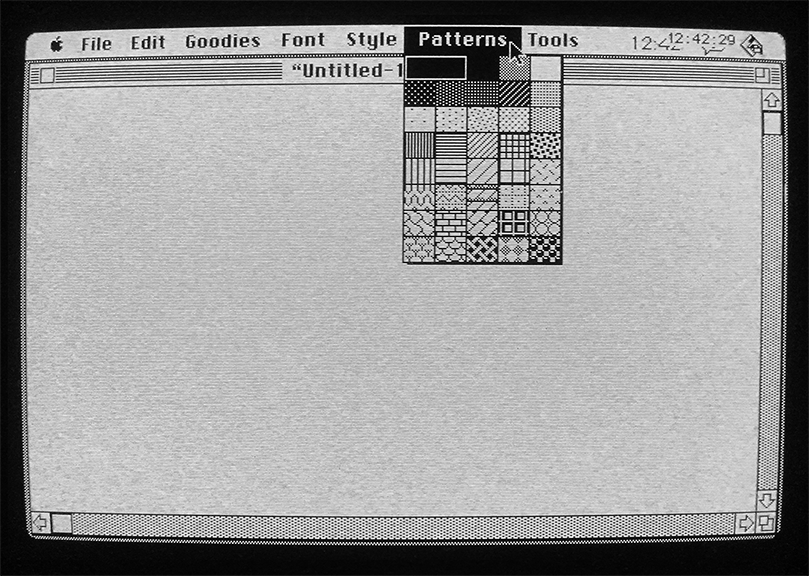
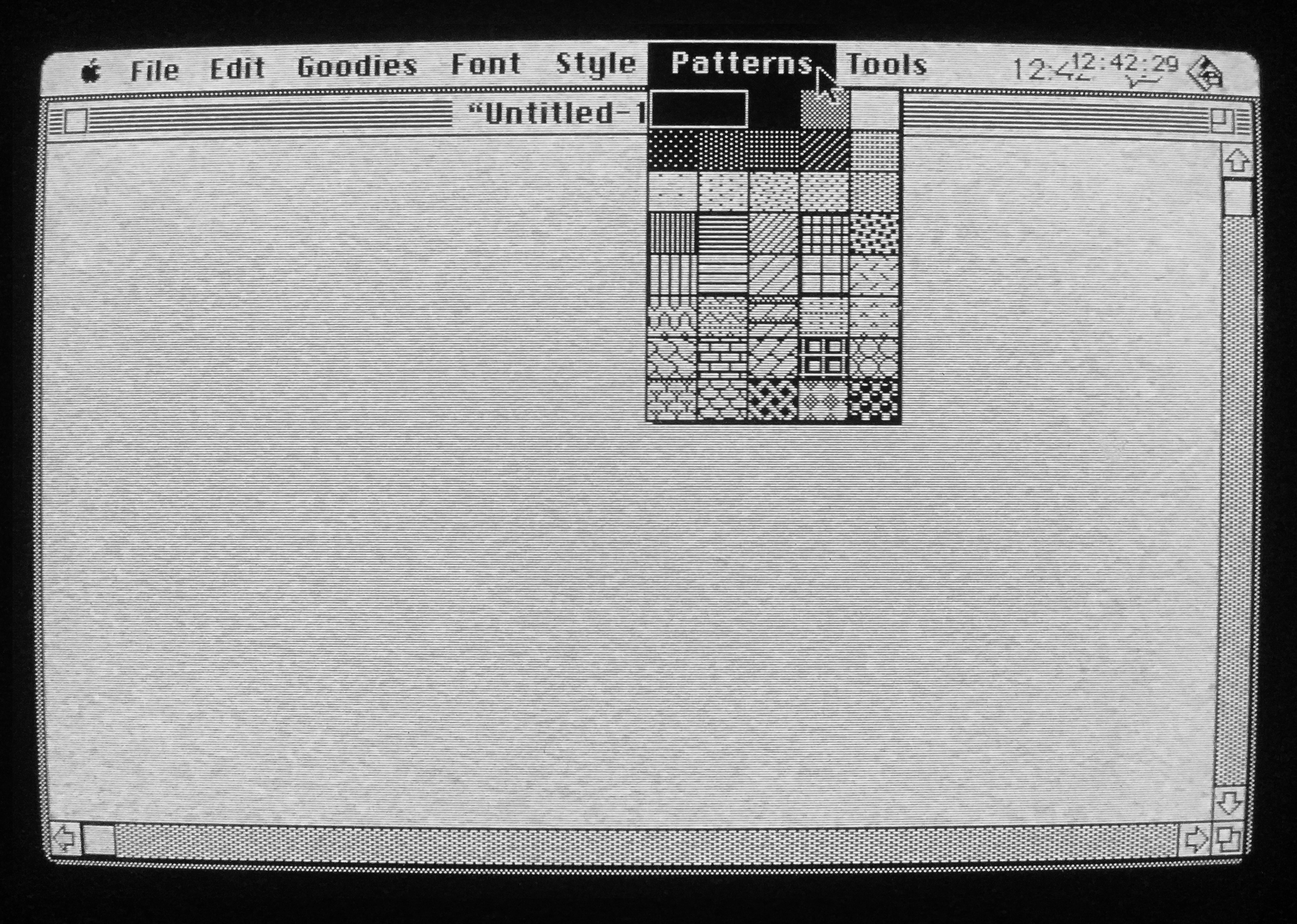
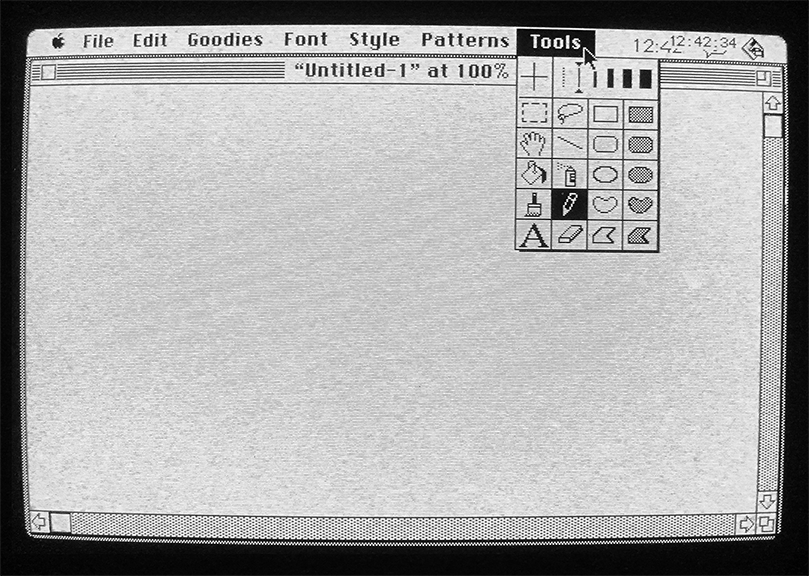
Tracing the history of Adobe® Photoshop UI/UX means navigating early accounts and genealogies of GUI and desktop metaphors first developed and licensed by Xerox PARC, Apple Macintosh hardware and operating system capabilities, rapidly shifting corporate entities, and multiple software threads. One software thread includes the evolution of LisaSketch/SketchPad, then MacSketch, along with the underlying technologies LisaGraph/LisaGraf/QuickDraw, resulting in MacPaint.
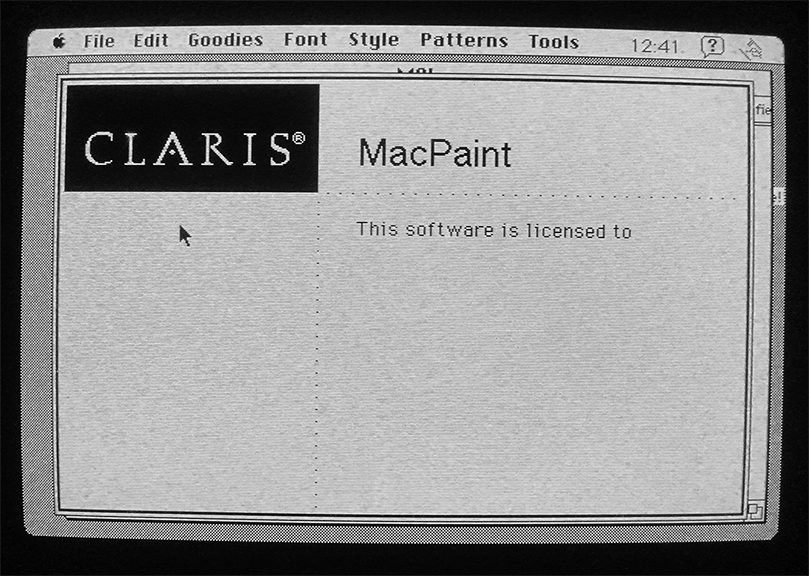
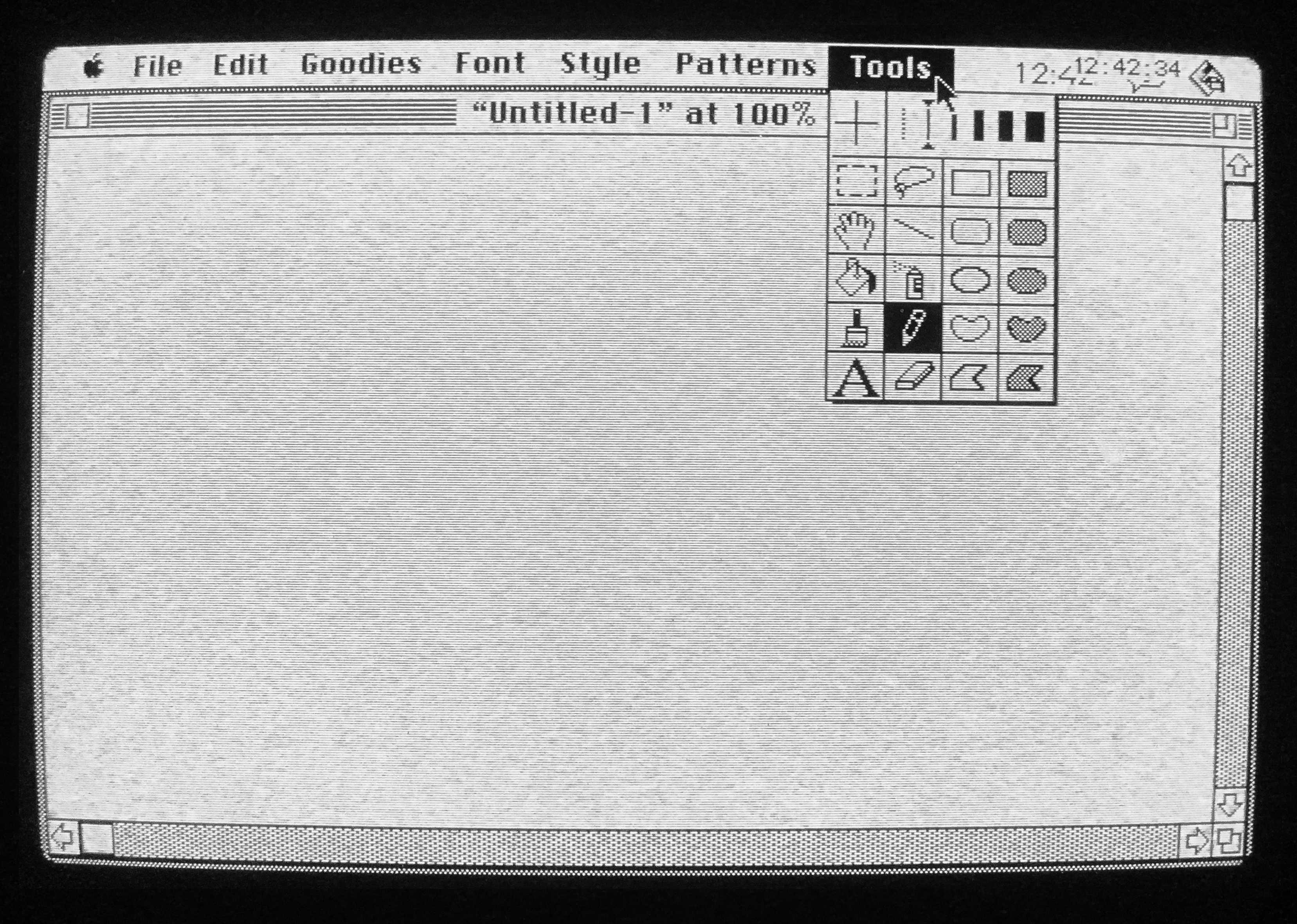
1990: Photoshop 1
Another software thread includes the evolution of Display, ImagePro (name was dropped due to conflicts), Barneyscan XP (bundled with a film scanner), then finally Photoshop, licensed and distributed by Adobe.
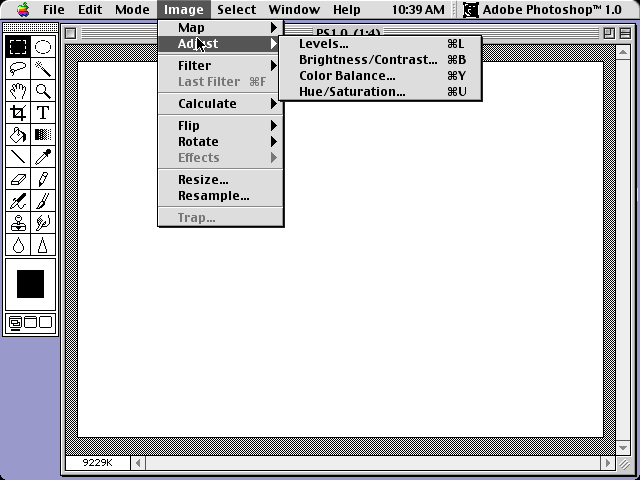
1990
Photoshop 1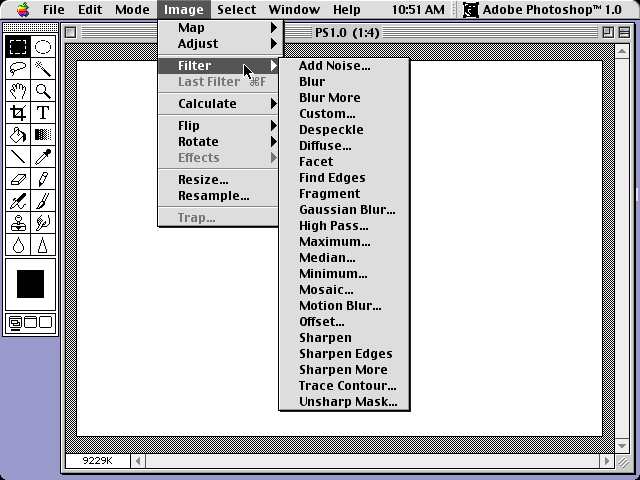
1990
Photoshop 1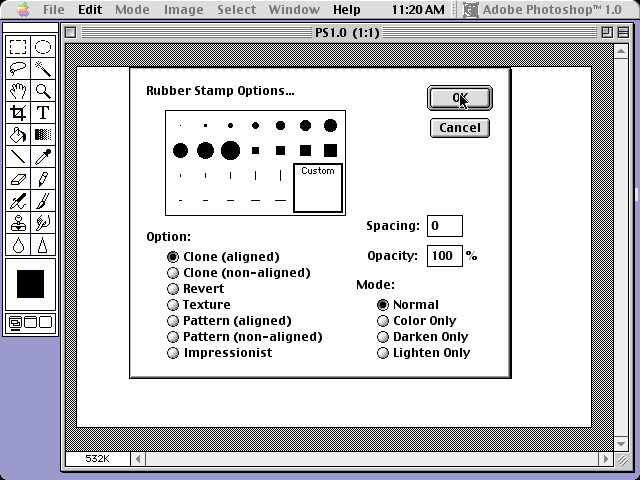
1990
Photoshop 1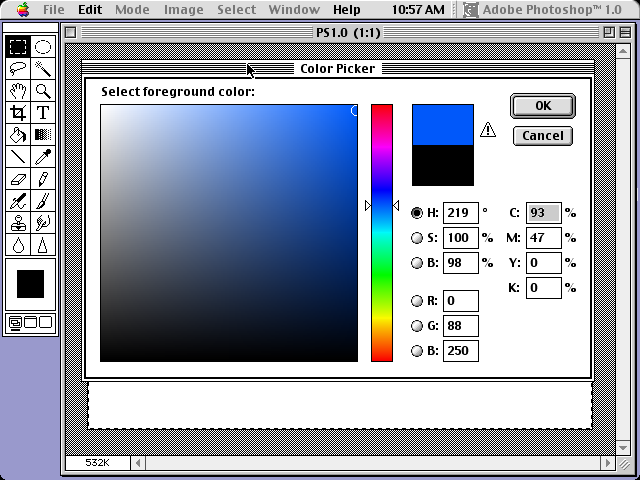
1990
Photoshop 11991: Photoshop 2
Increased capabilities: clone tool, pen tool, paths, masking, color balance, hue, saturation, curves, levels, 16-bit channels, CMYK color mode, filters menu, 2.5 includes palettes
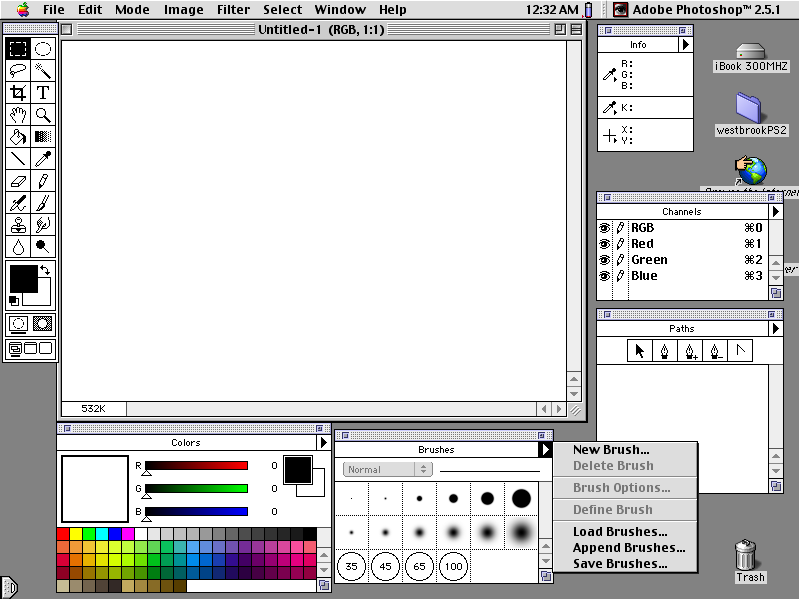
1991
Photoshop 2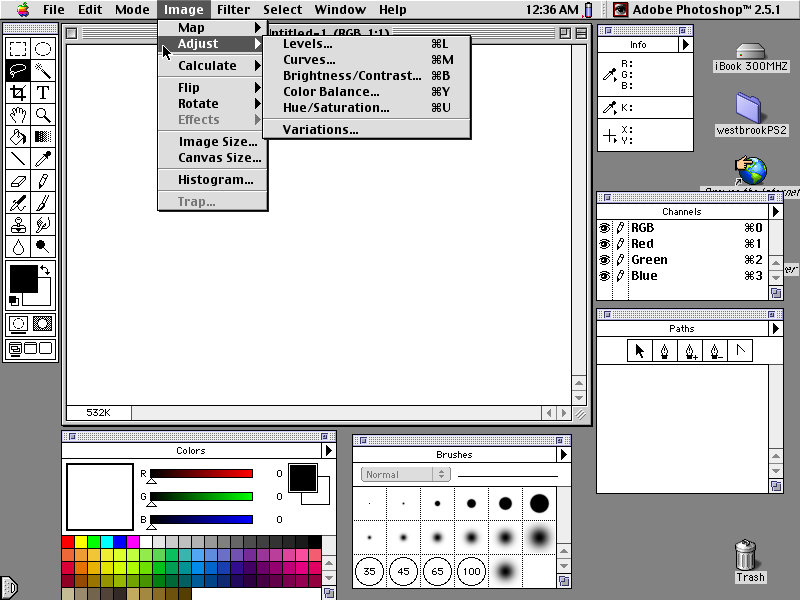
1991
Photoshop 2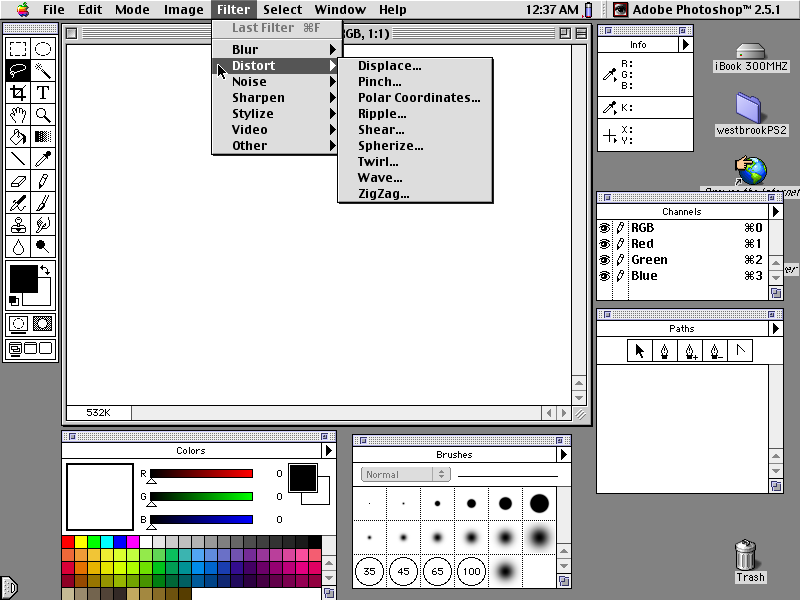
1991
Photoshop 2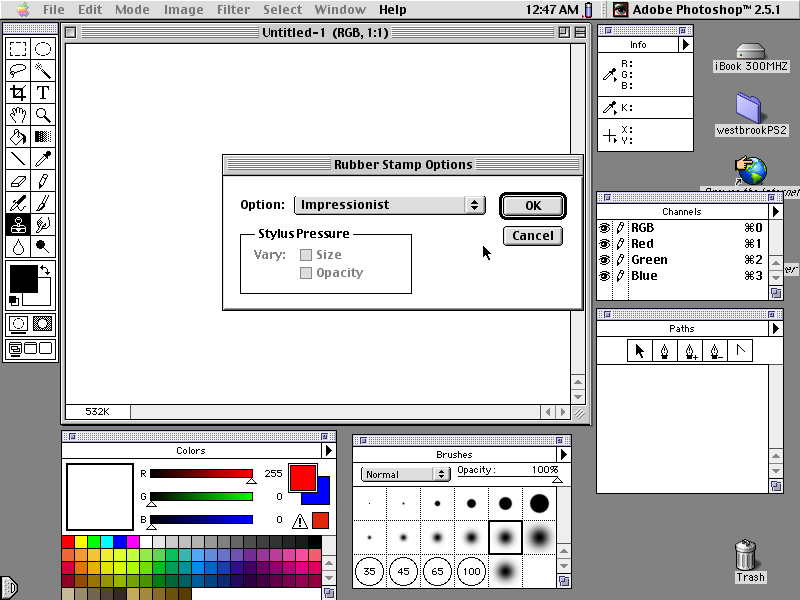
1991
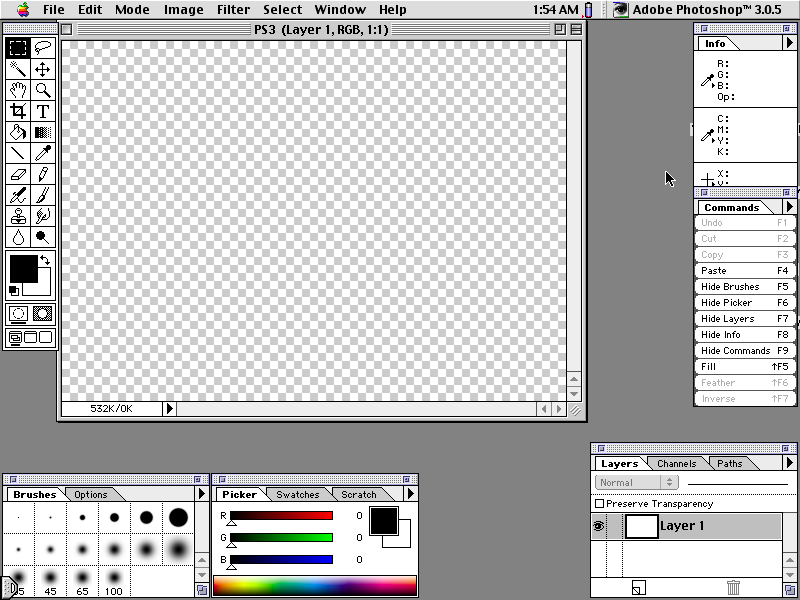
Photoshop 21994: Photoshop 3
Increased capabilities: layers, blend modes, tabbed palettes
1994
Photoshop 3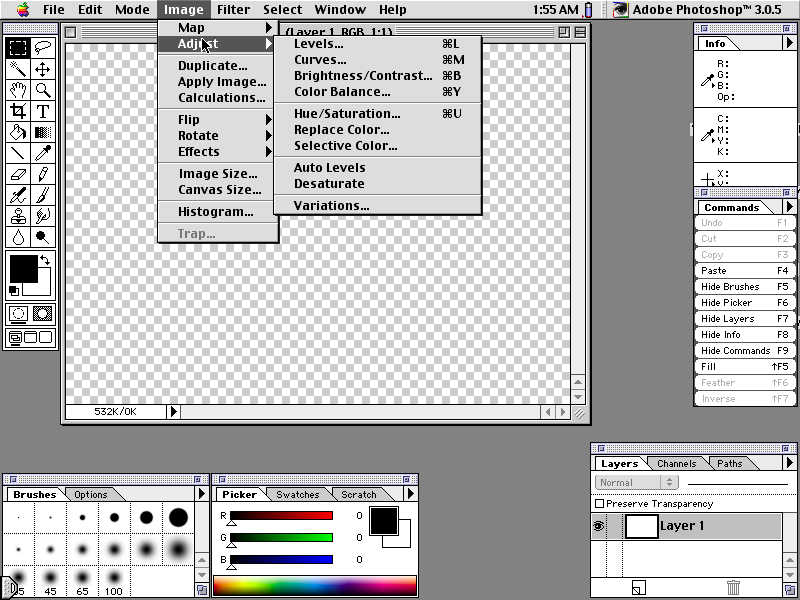
1994
Photoshop 3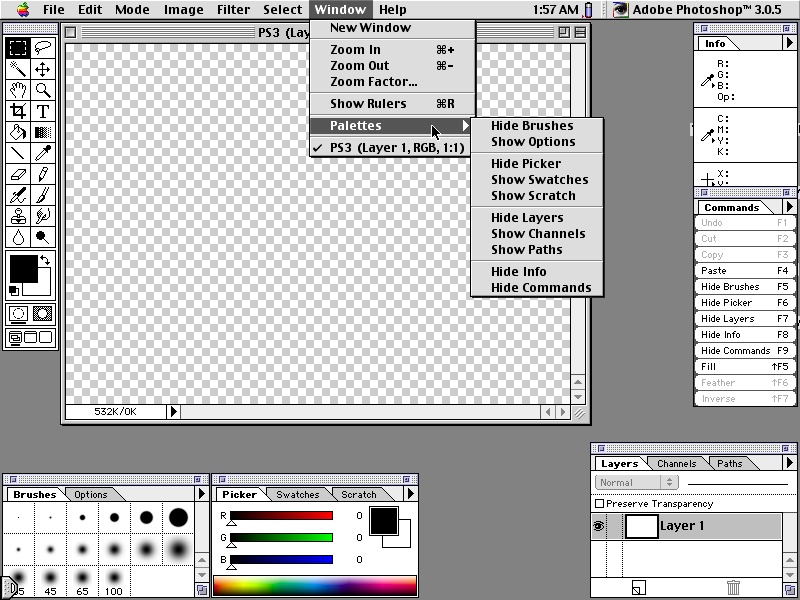
1994
Photoshop 3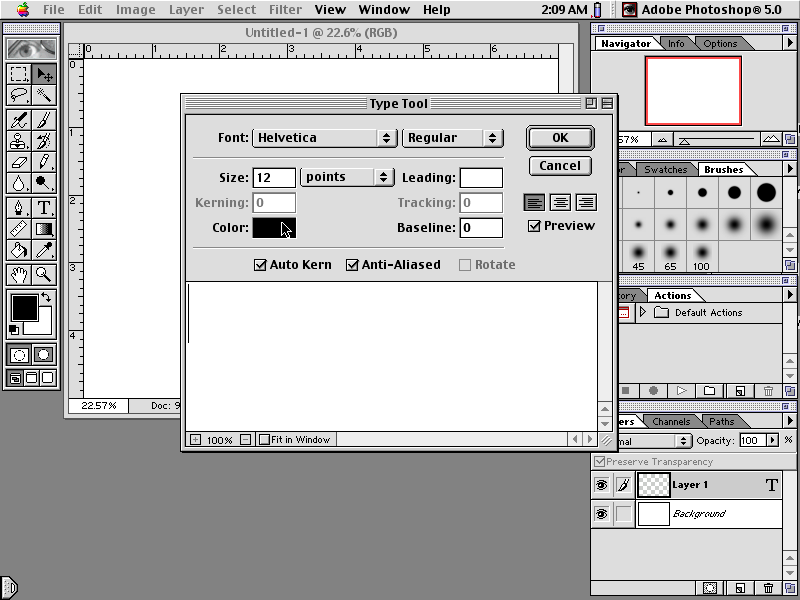
1994
Photoshop 31996: Photoshop 4
Increased capabilities: free transform tool, gradients, more filters, adjustment layers, actions (macros/automation), grids/guides, navigator palette, and complete unification of the UI across all Adobe products
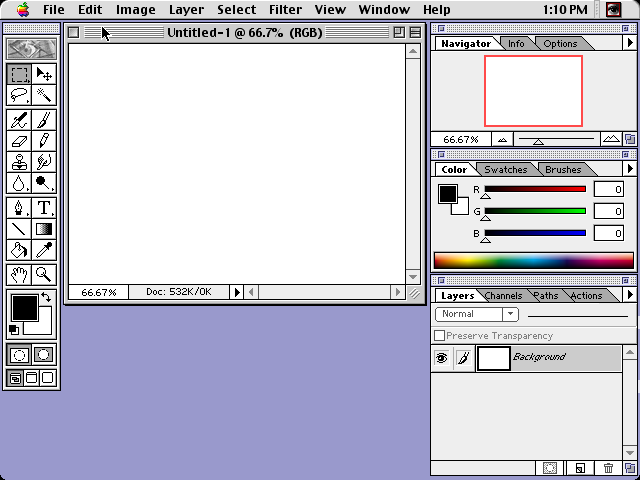
1996
Photoshop 4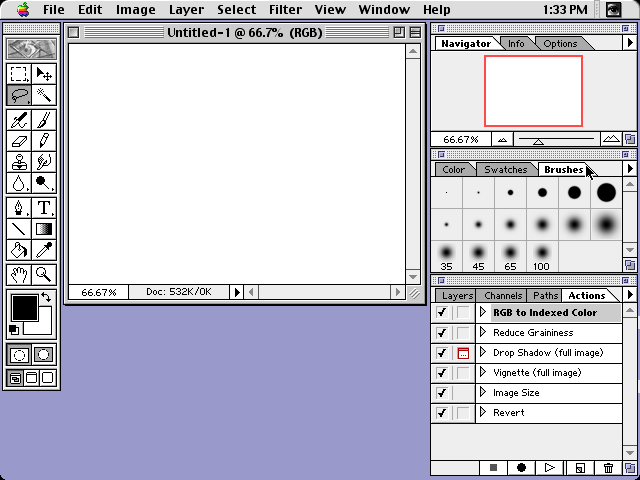
1996
Photoshop 4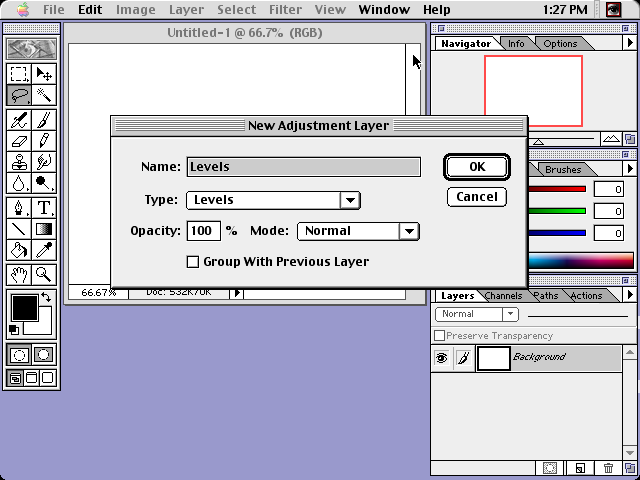
1996
Photoshop 4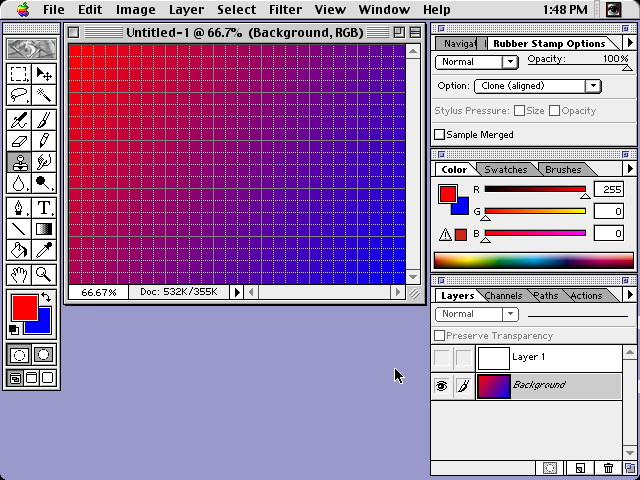
1996
Photoshop 41998: Photoshop 5
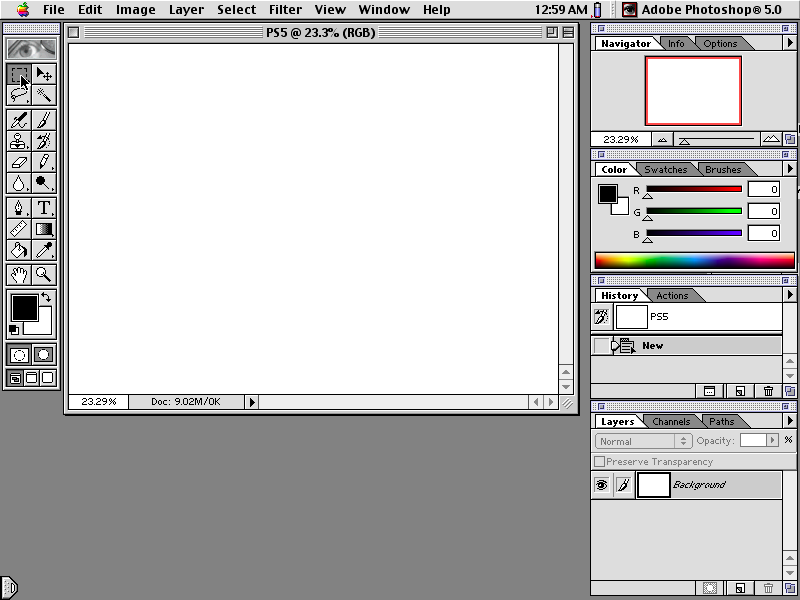
Increased capabilities: measure tool, magnetic lasso, editable type (previously, type was rasterized as soon as it was created), adjustment layer effects, color management, plugins, history palette (multiple undo), 5.5 bundled with "save for Web" and ImageReady with web-oriented functionality (slices, rollovers, etc), and new extract filter
1998
Photoshop 5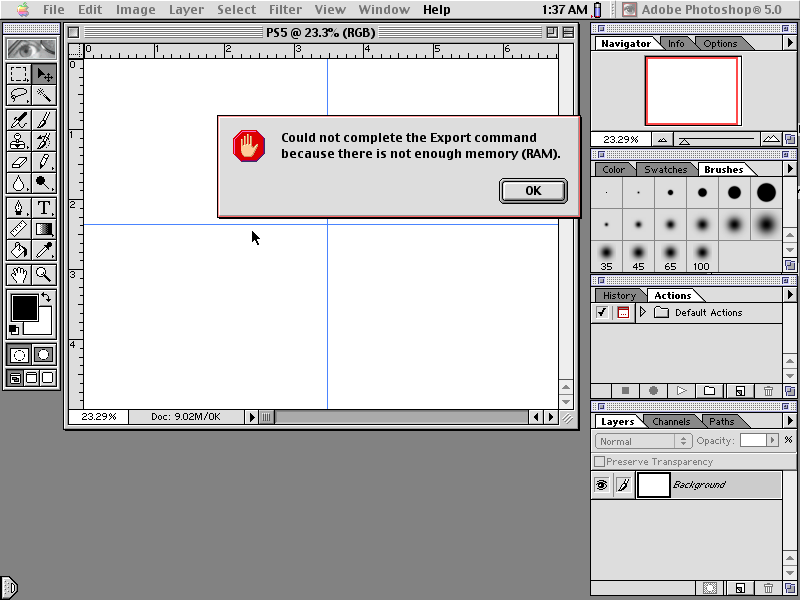
1998
Photoshop 5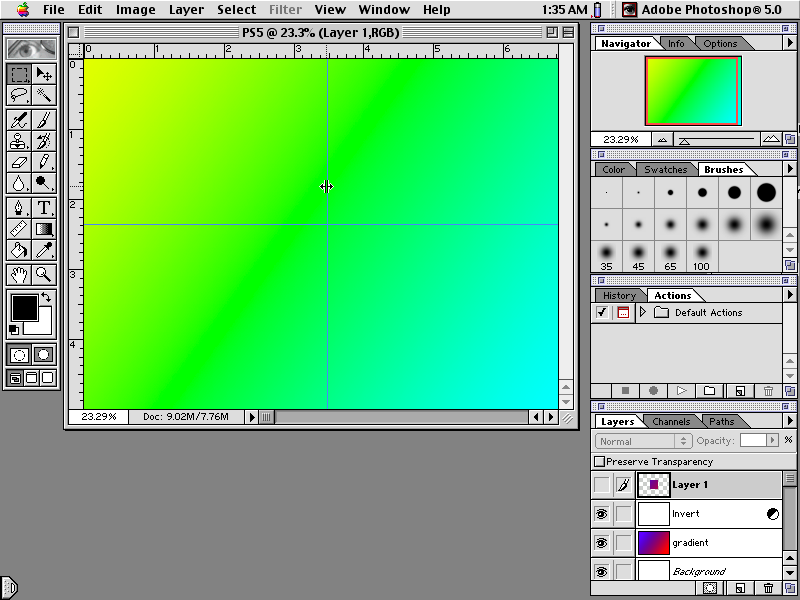
1998
Photoshop 5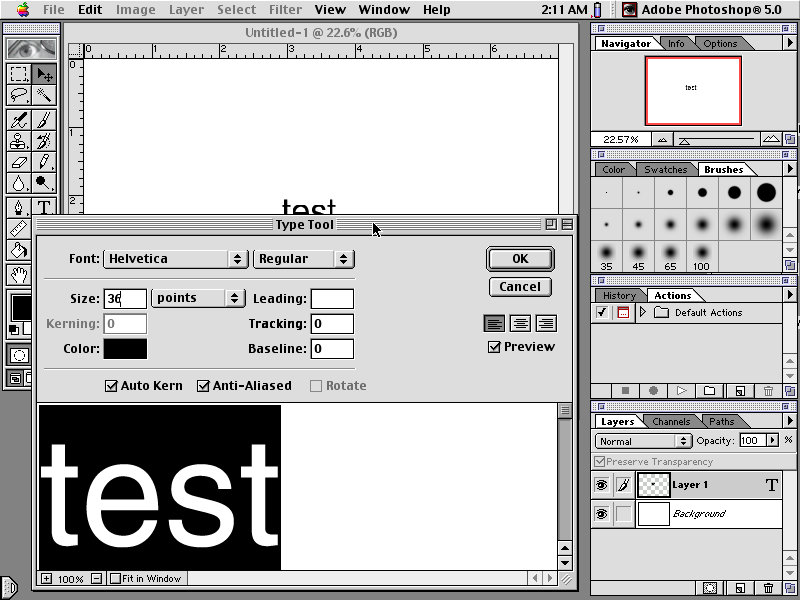
1998
Photoshop 52000: Photoshop 6
Increased capabilities: vector shapes, layer styles, dialog box added (new file options), UI significantly updated.
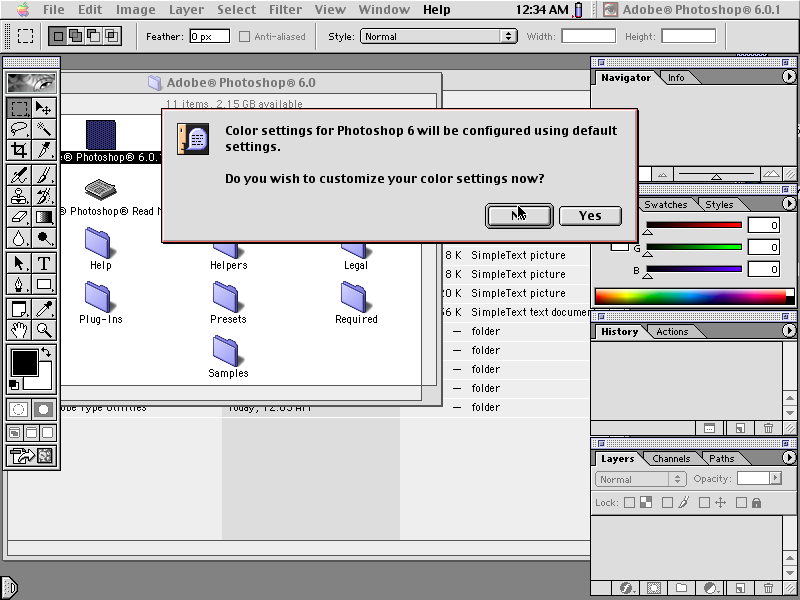
2000
Photoshop 6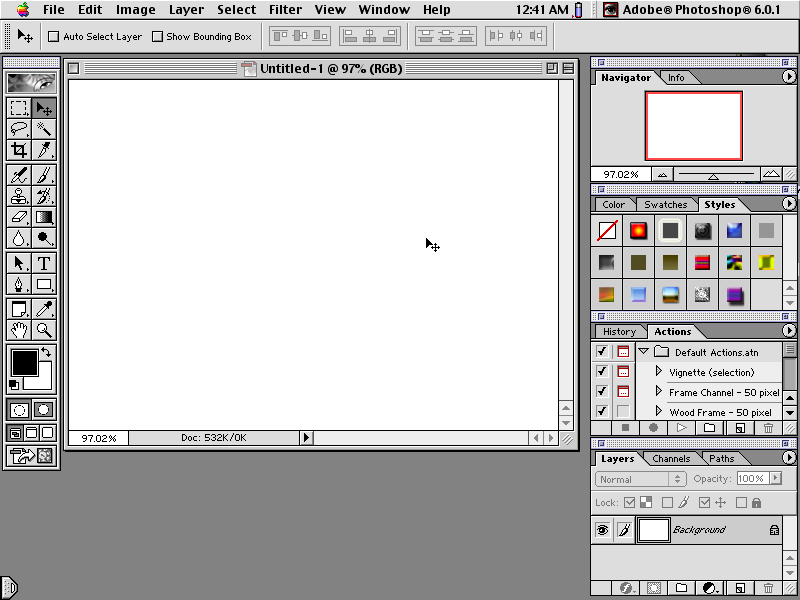
2000
Photoshop 6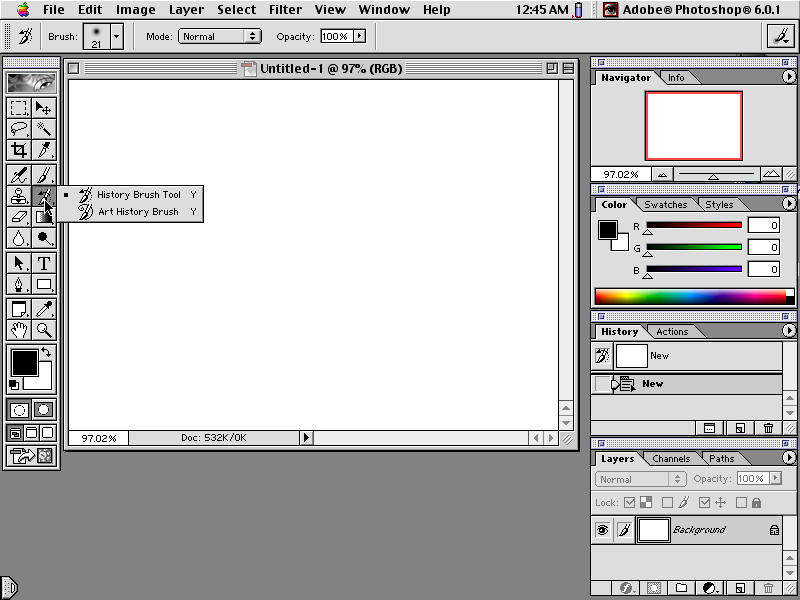
2000
Photoshop 6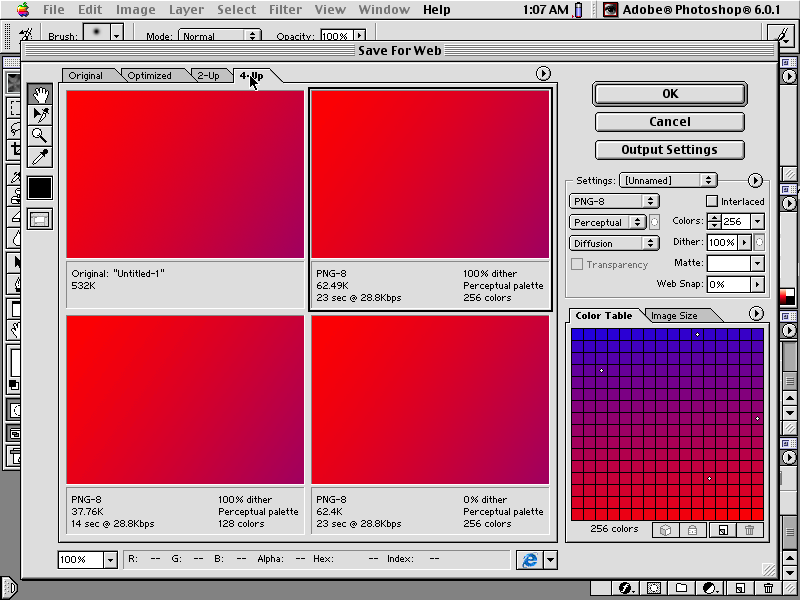
2000
Photoshop 62002: Photoshop 7
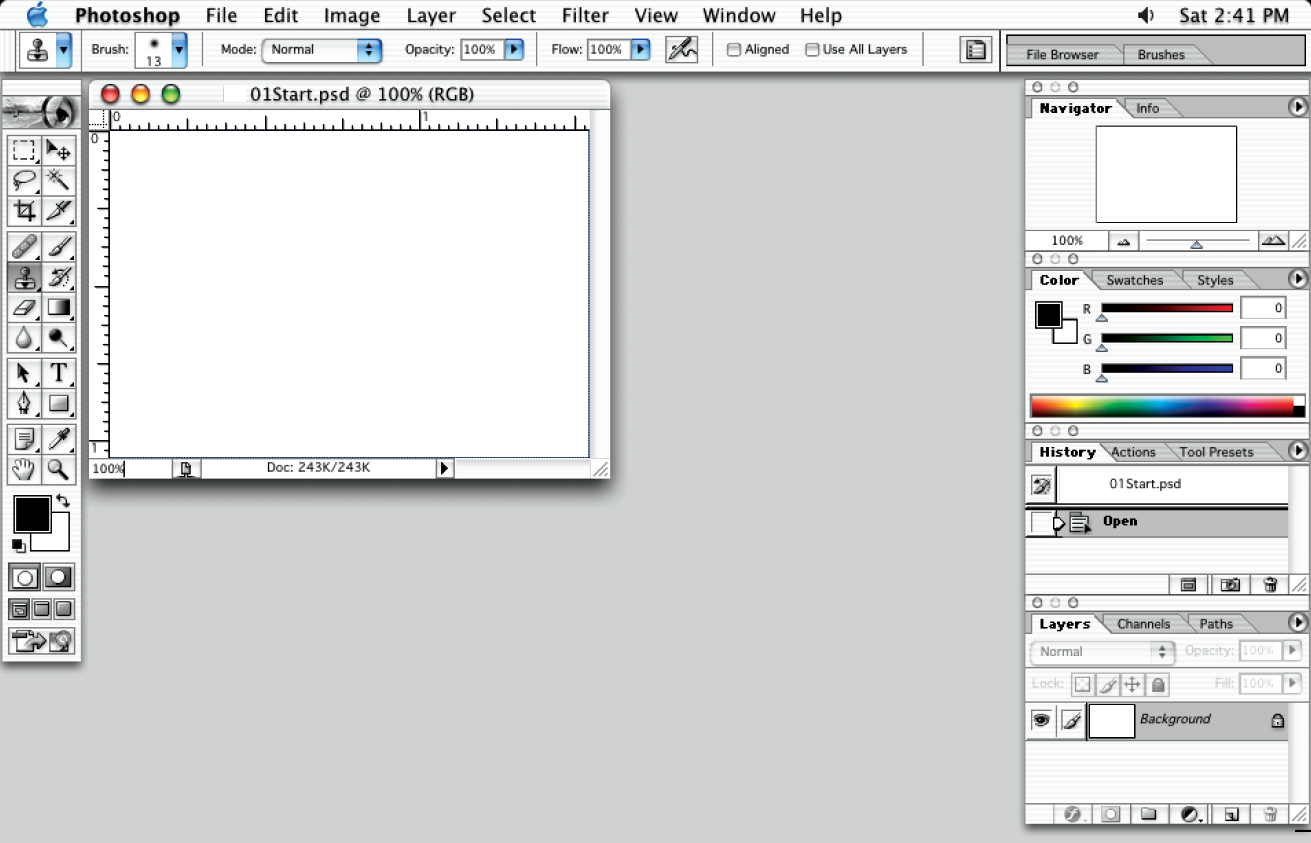
Increased capabilities: healing brush, patch tool, custom brushes, camera raw, vector text, spell check and find/replace, file browser
2002
Photoshop 7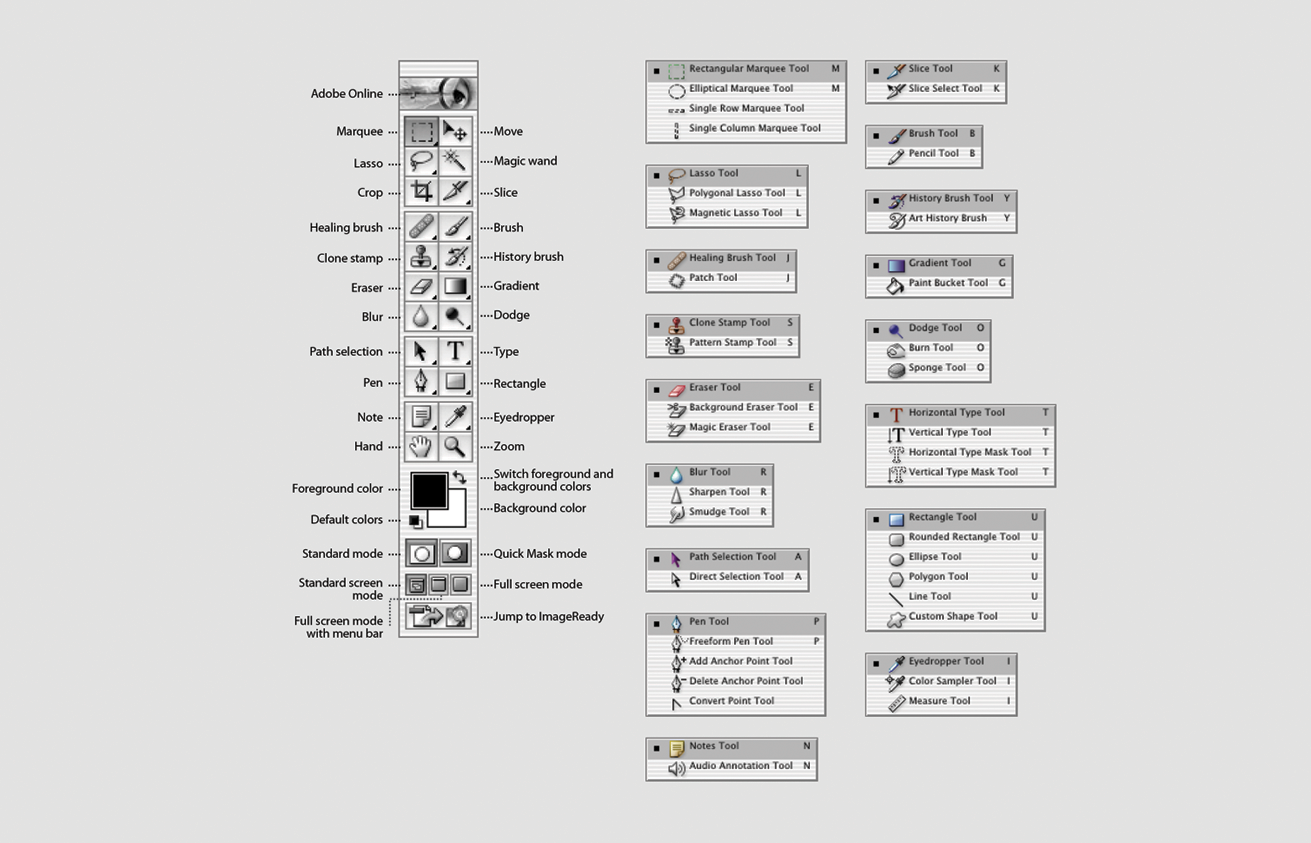
2002
Photoshop 7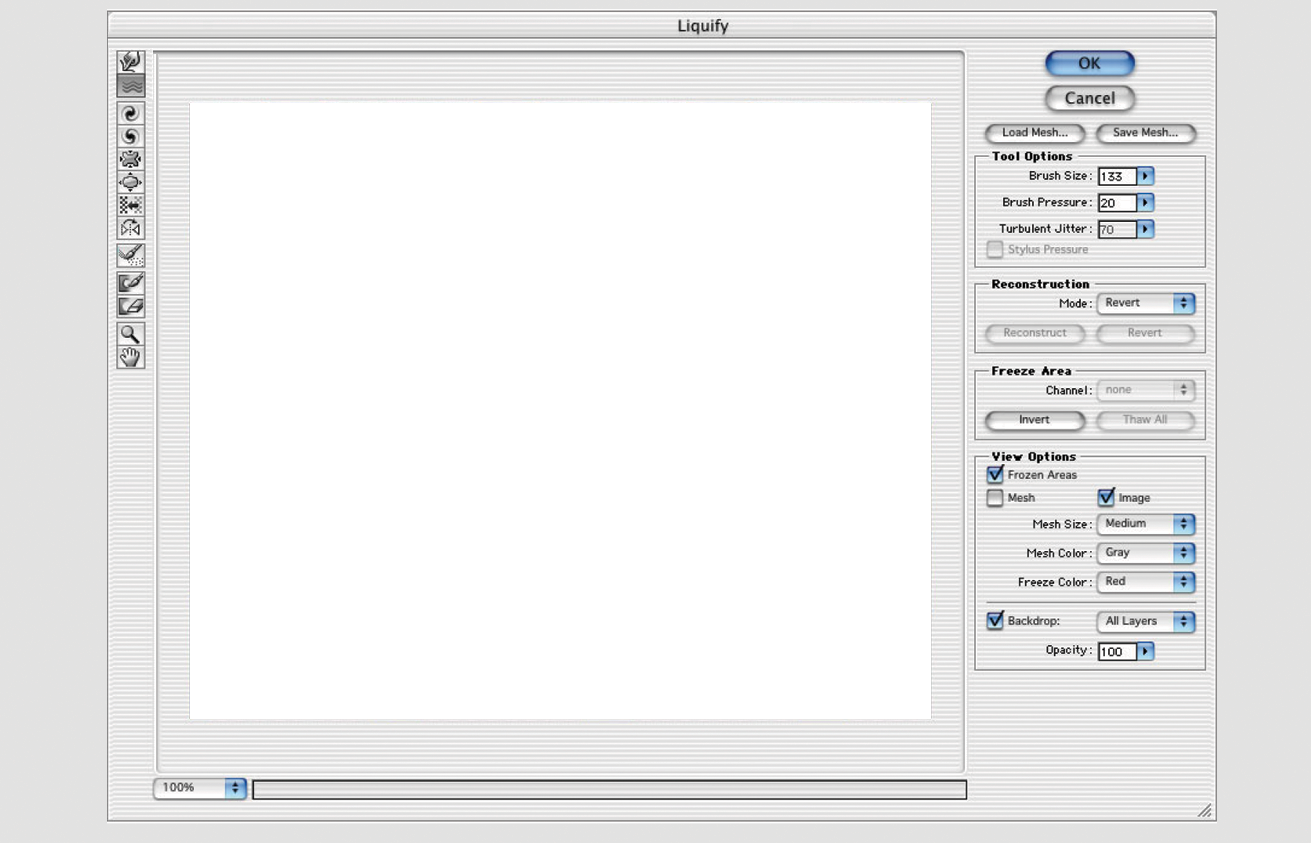
2002
Photoshop 7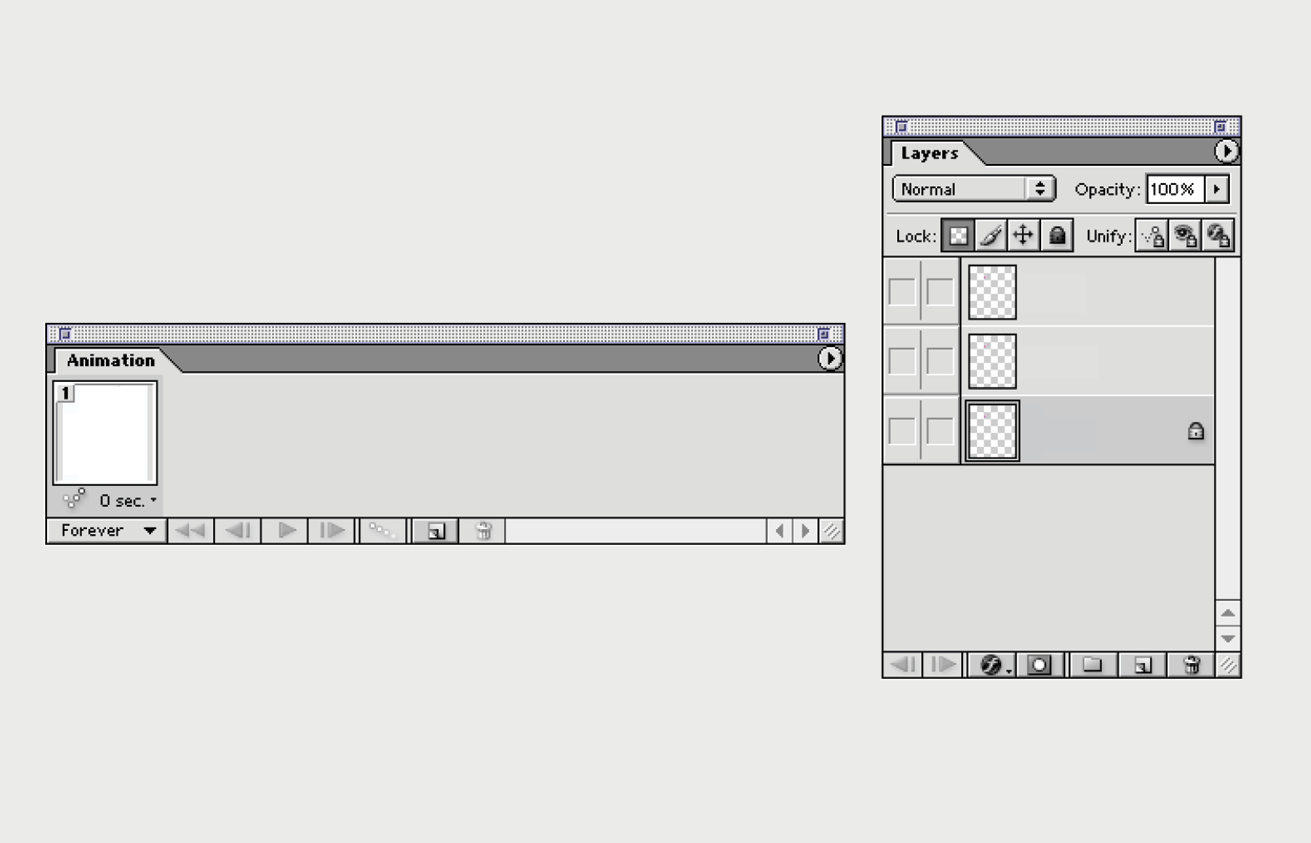
2002
Photoshop 72003-2012: Photoshop CS (Creative Suite) series
The 2003-2012 Creative Suite series includes Photoshop 8 or CS released in 2003, Photoshop 9 or CS2 released in 2005, Photoshop 10 or CS3 released in 2007, Photoshop 11 or CS4 released in 2008, Photoshop 12 or CS5 released in 2010, and Photoshop 13 or CS6 released in 2012.
In 2003 Photoshop increased its capabilities with an array of better user controls (filter, layer management, and file browsing), scripting support for JavaScript, embeded security features like the Counterfeit Deterrence System (CDS), as well as a type on path tool, better slice tool, match color, smart guides, real-time histogram, and large file handling. In 2005 Photoshop increased its capabilites with non-destructive editing, (HDRI) support, spot healing, increased layer functionality, as well as smart objects, red-eye and lens correction, and a vanishing point tool. In 2007 Photoshop increased its capabilites with quick select, auto align/blend, smart (non-destructive) filters, mobile device graphic optimization, full integration of ImageReady, and many UI and tool revisions and improvements to optimize speed, productivity, and performance. In 2008 Photoshop increased its capabilites with content awareness (scaling, cropping), colour-blindness support, 3D functionality and rendering, simplified tab-based interface, and many UI and tool revisions. In 2010 Photoshop increased its capabilites with more content awareness features, intelligent selection technology, improved HDR and raw processing, more 3D options, new tools and better workspace managment, 30 JDI (Just Do it) additions, video editing, and interacts with remote applications over TCP/IP, such as tablets and other computers. Users of Adobe Creative Suite 3 began noticing that the software was being monitored by a web analytics company without consent. This release also included the first subscription license (optional). In 2012 Photoshop increased its capabilites with more content awareness features, skin tone and face-detection, background saving (auto-save), more image-editing functionality like the blur gallery, video editing tools, and a complete UI redesign (all new icons and optional dark UI). CS6 was the last suite marketed with licenses supporting Creative Cloud subscriptions.
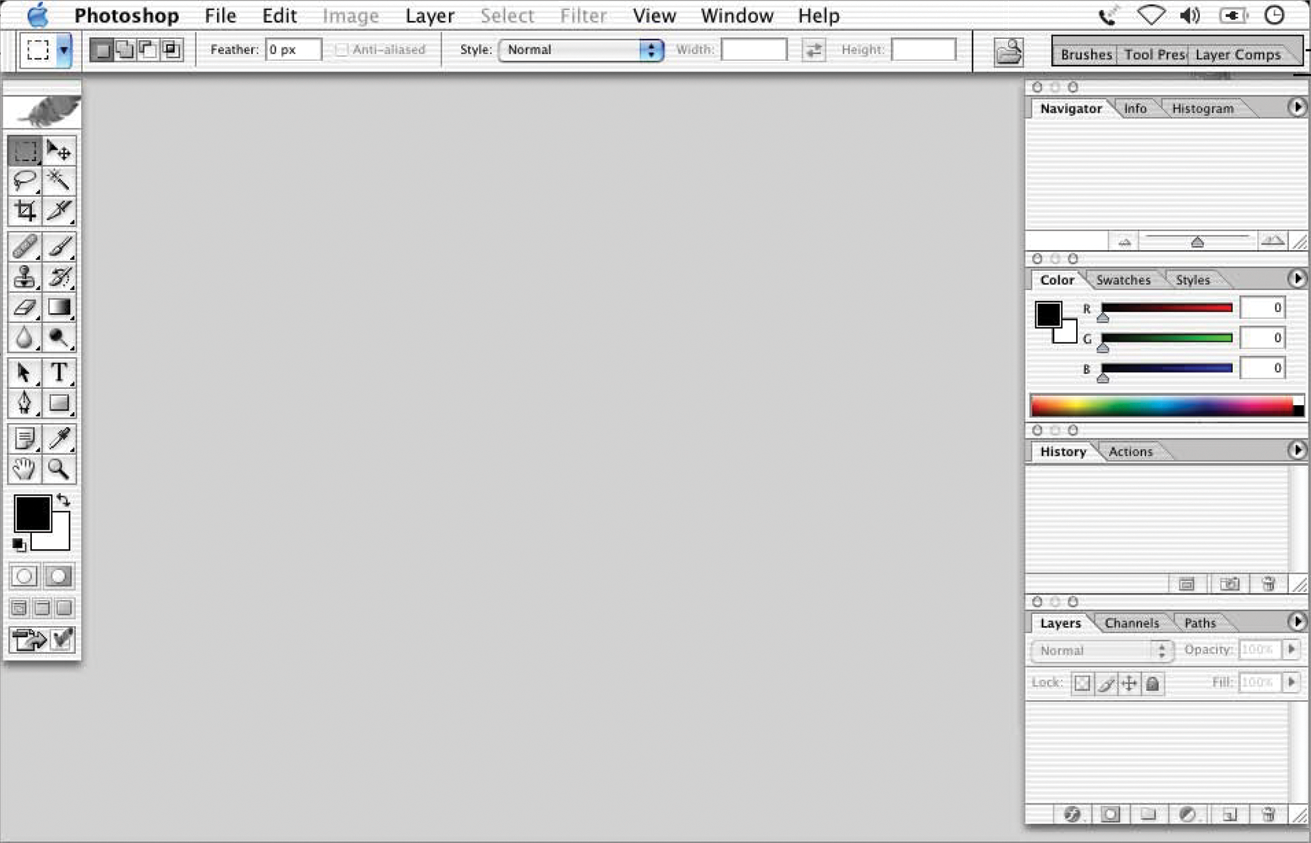
2003
Photoshop 8, CS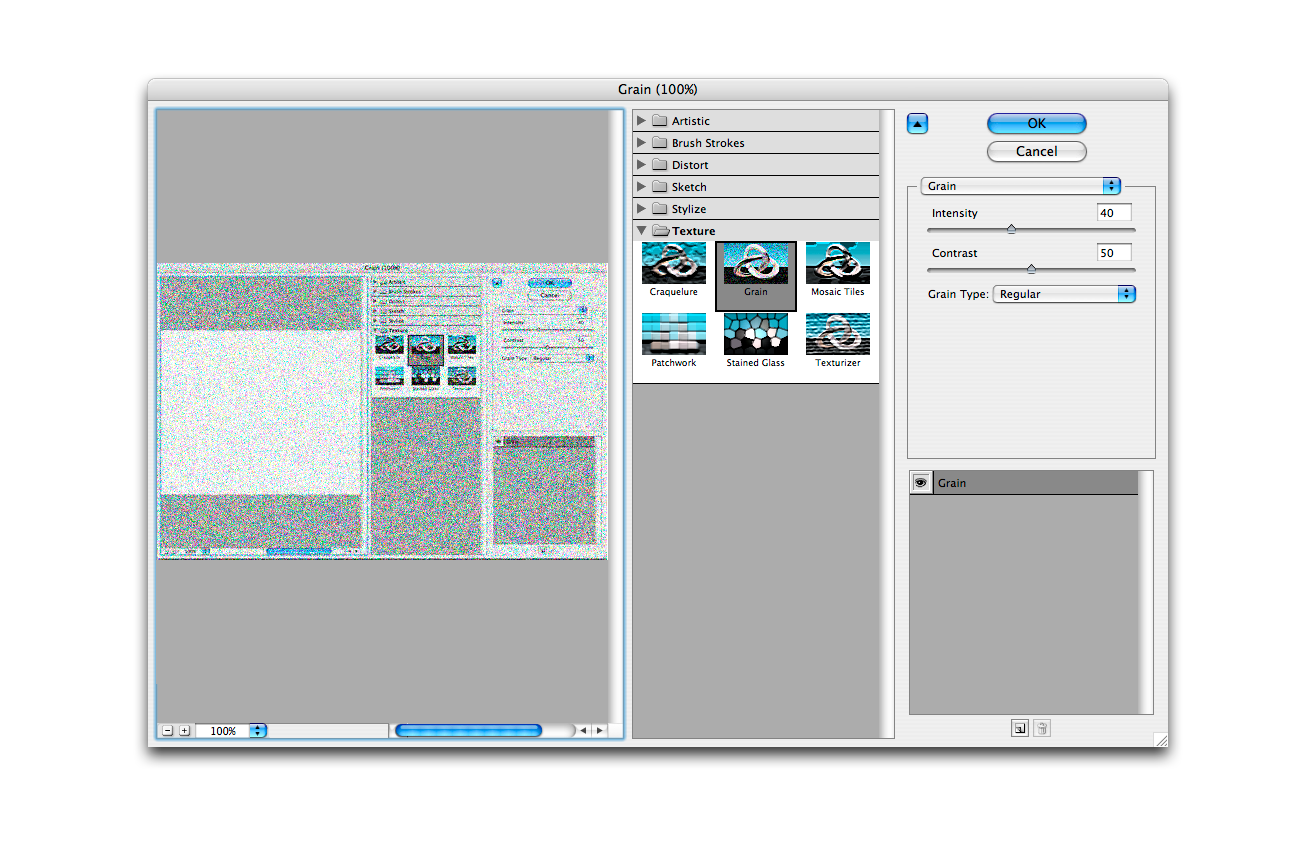
2005
Photoshop 9, CS2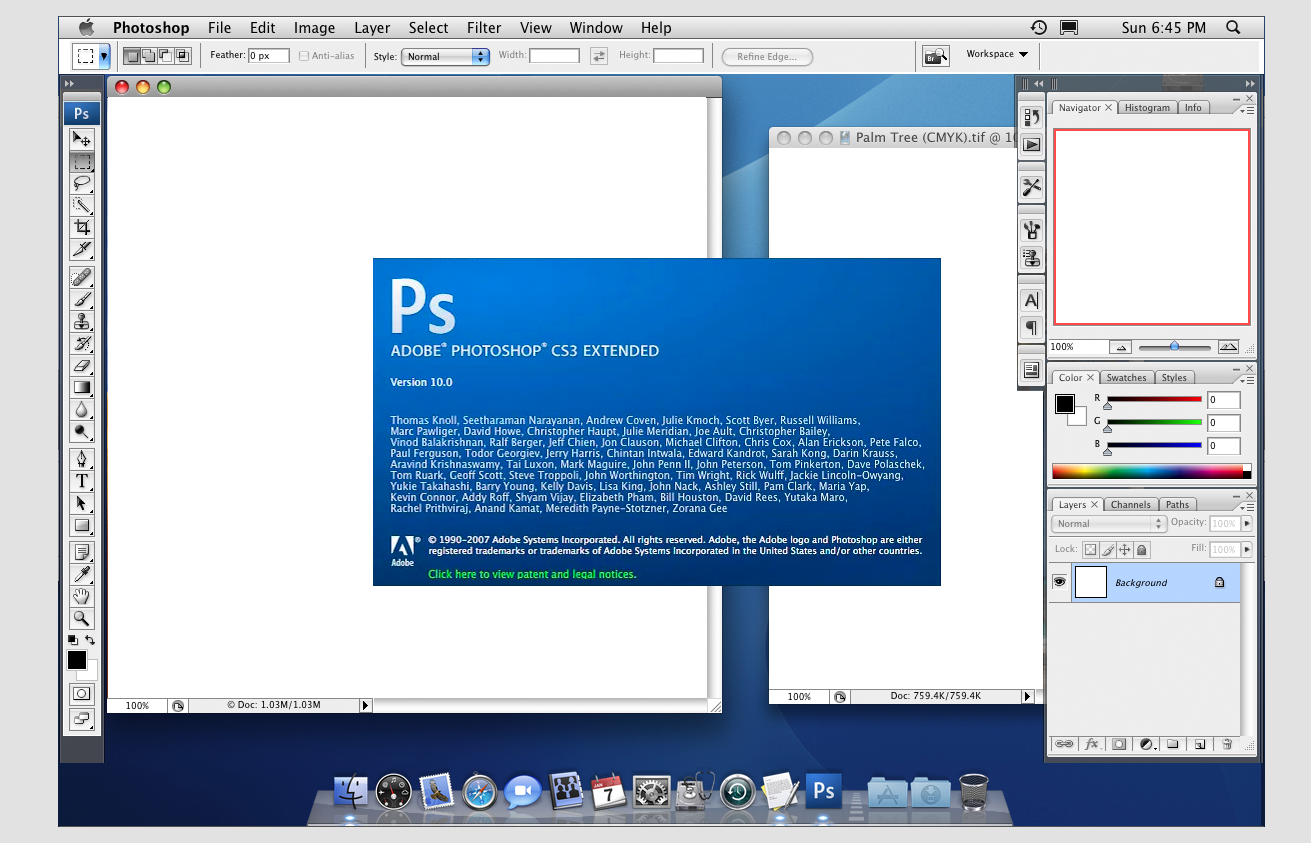
2007
Photoshop 10, CS3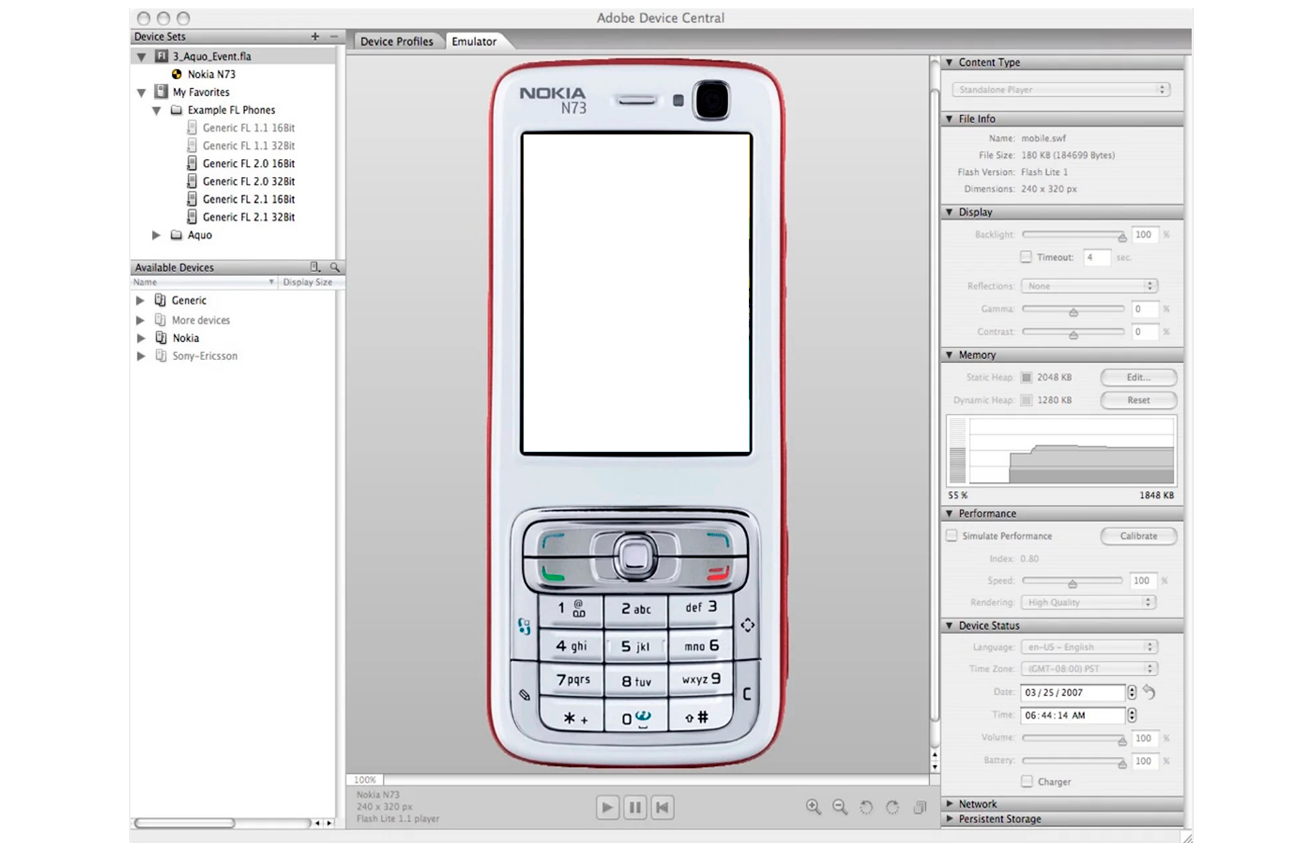
2007
Photoshop 10, CS3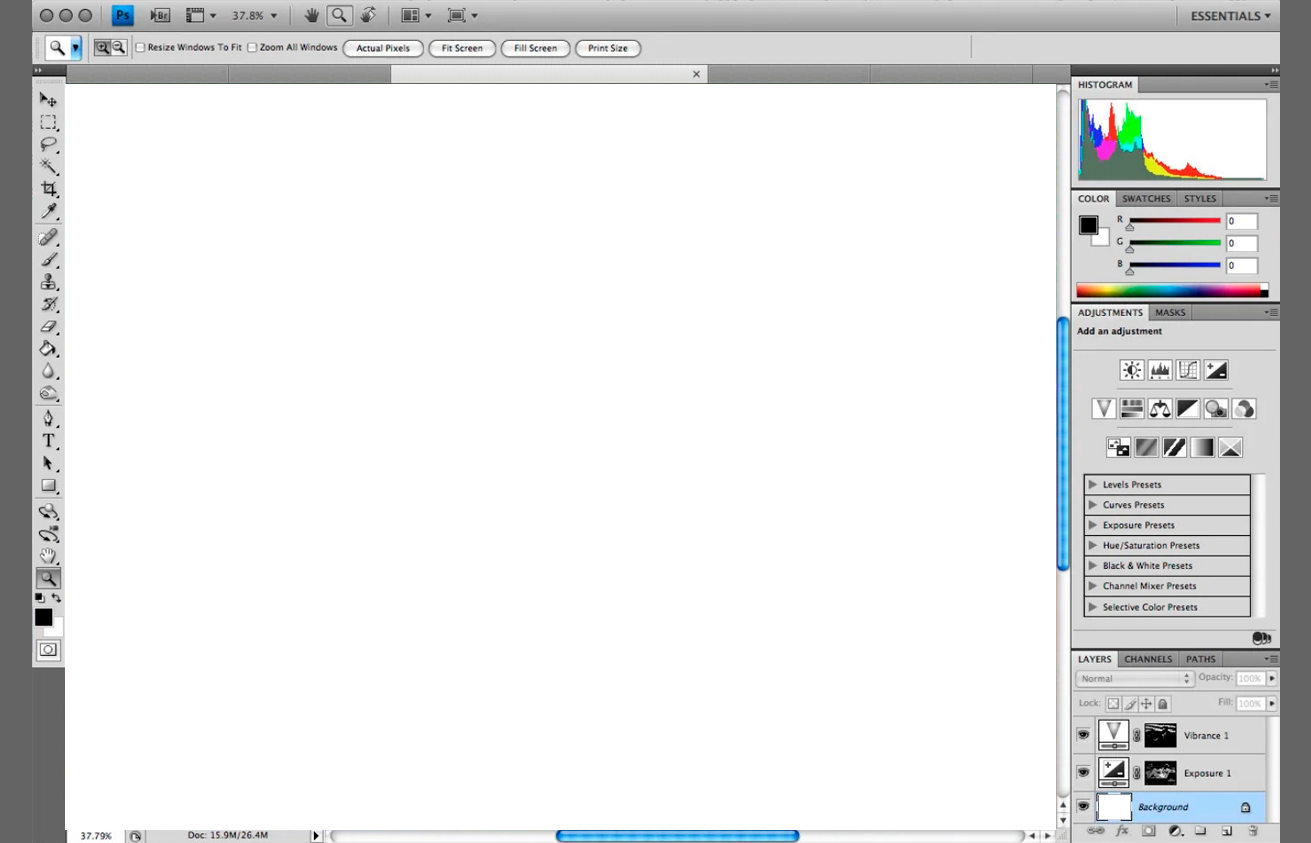
2008
Photoshop 11, CS4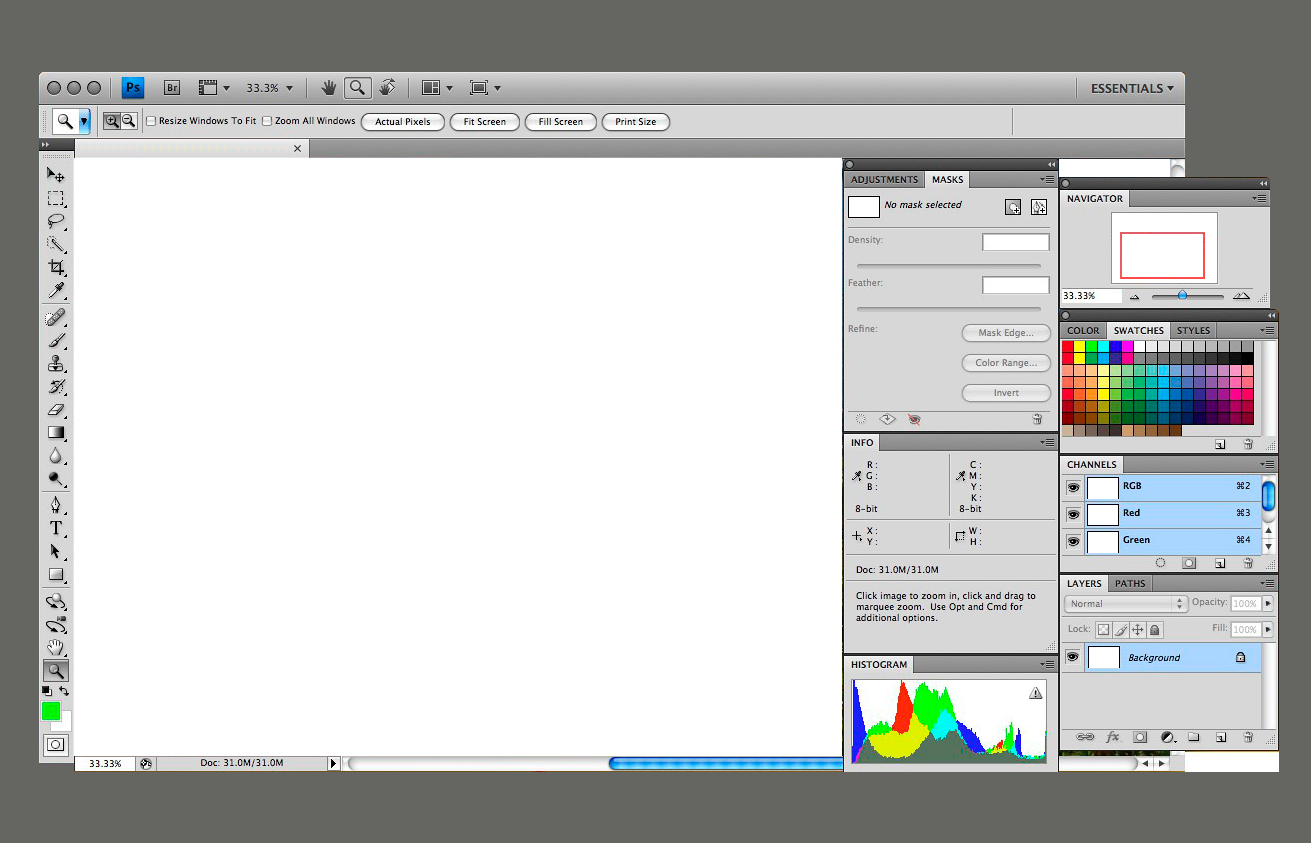
2010
Photoshop 12, CS5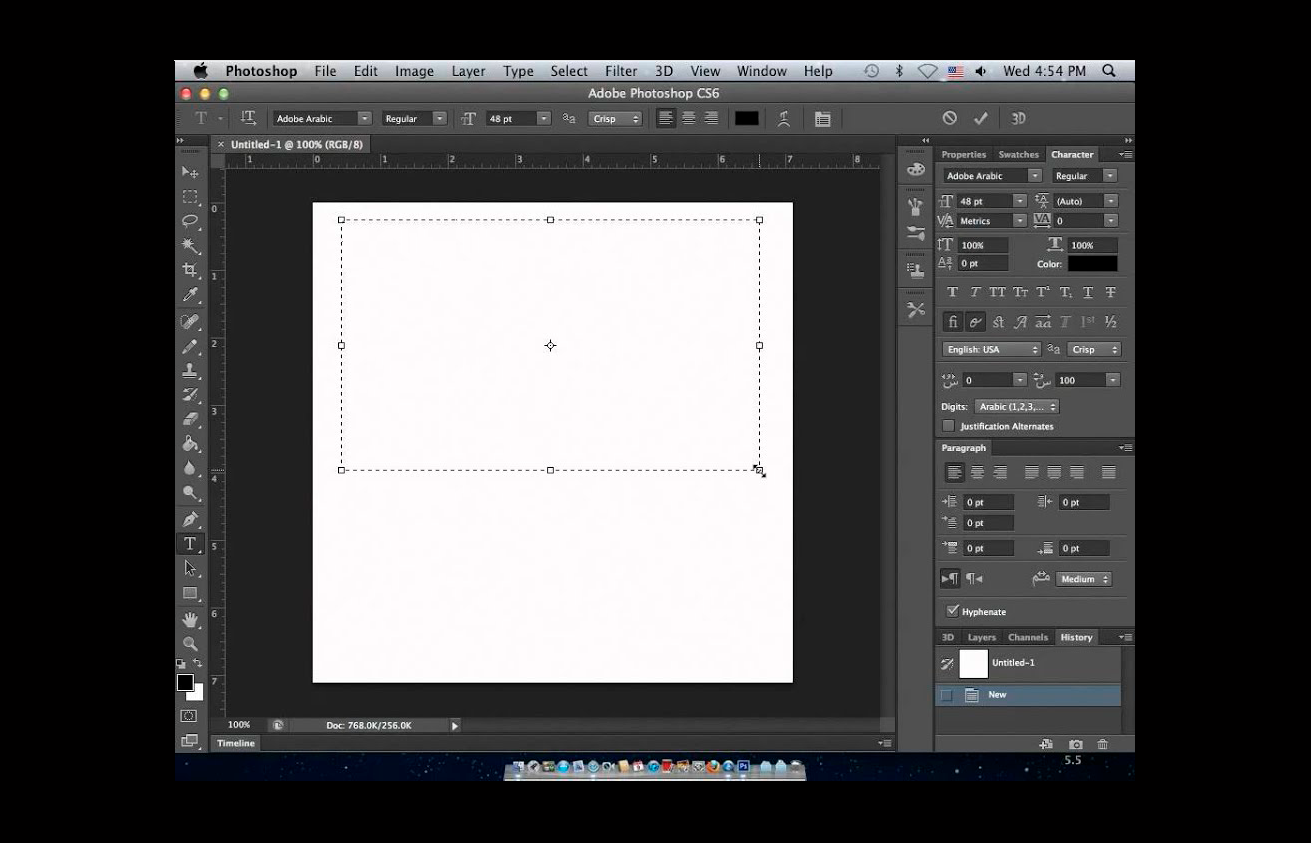
2012
Photoshop 13, CS6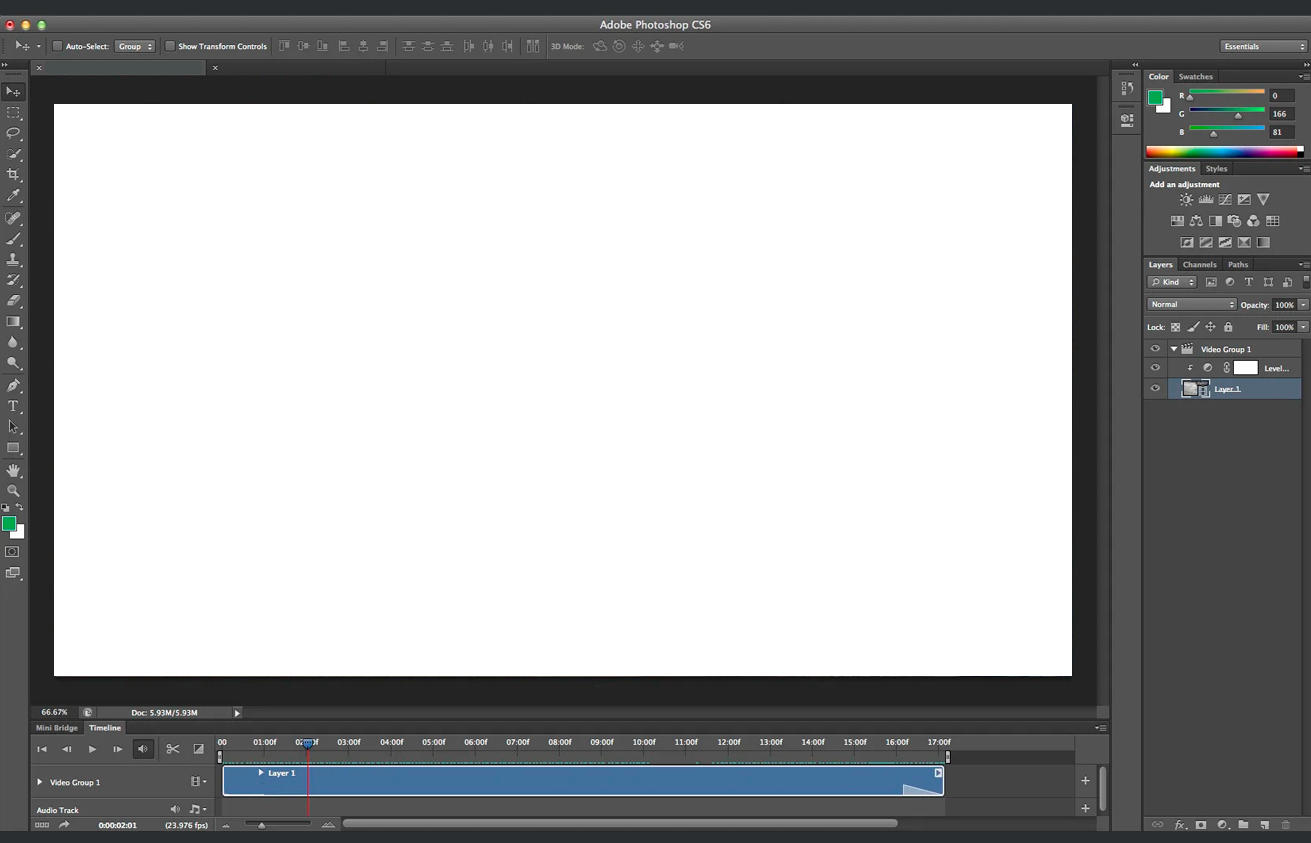
2012
Photoshop 13, CS62015-2019: Photoshop CC (Creative Cloud) series
The 2015-2019 Creative Cloud series includes Photoshop 14 or Creative Cloud released in 2013, Photoshop 15 or CC 2014 released in 2014, Photoshop 16/17 or CC 2015 released in 2015, Photoshop 18 or CC 2017 released in 2016, Photoshop 19 or CC 2018 released in 2017, Photoshop 20 or CC 2019 released in 2018, and Photoshop 21 or Photoshop 2020 released in 2019. Within these releases Photoshop has increased its capabilities with: intelligent unsampling, smarter sharpening, real-time healing, smarter objects, more content-awaren features and functionality, camera corrections, a compositing engine, task speed and performance increases; cloud sync preferences, publishing integration, in-app purchases, stock services, 3D object handling and options, typography/type integration; better project management with template selection, artboards, previews, smarter smart guides, and increased library and link capabilities, and an ongoing number of security fixes, all within a subscription-based pricing model.
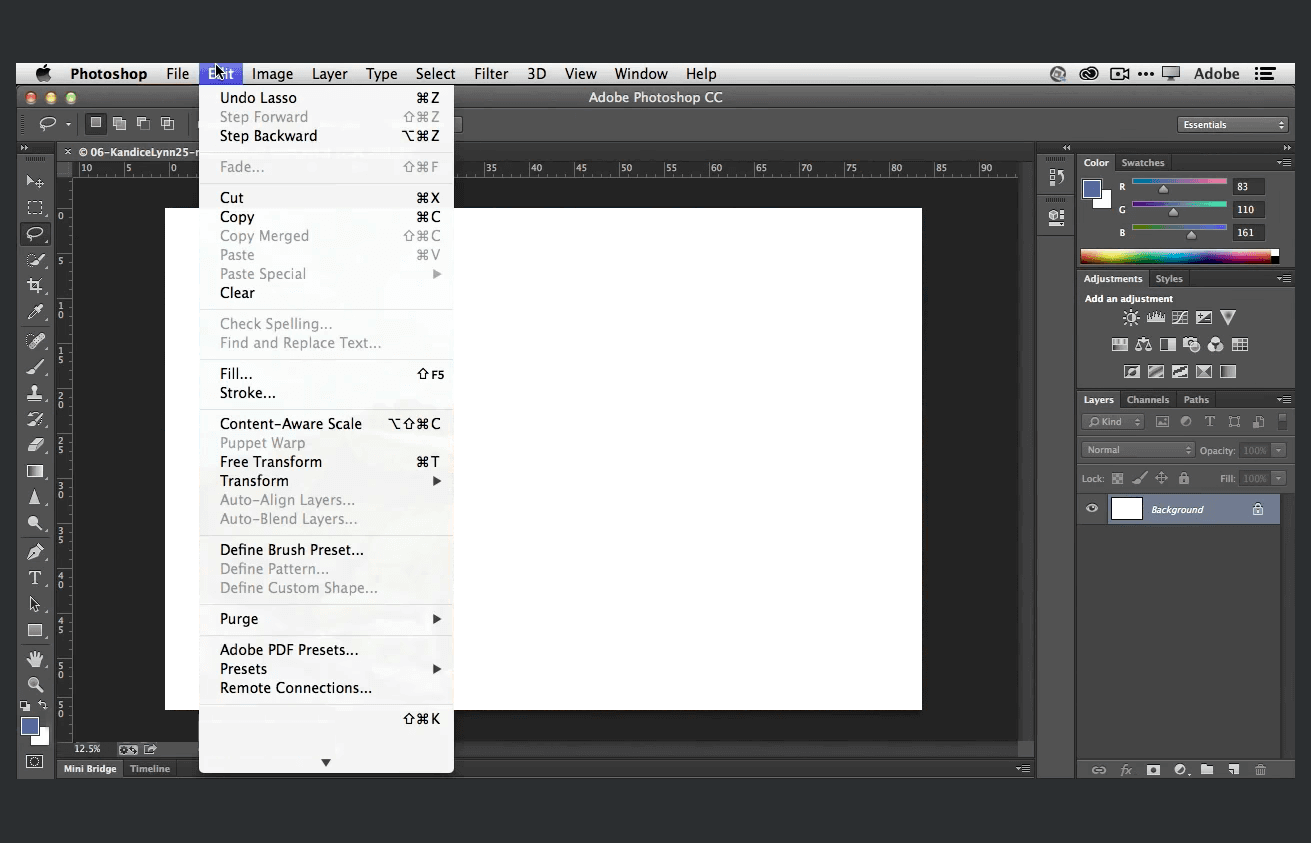
2013
Photoshop 14, Creative Cloud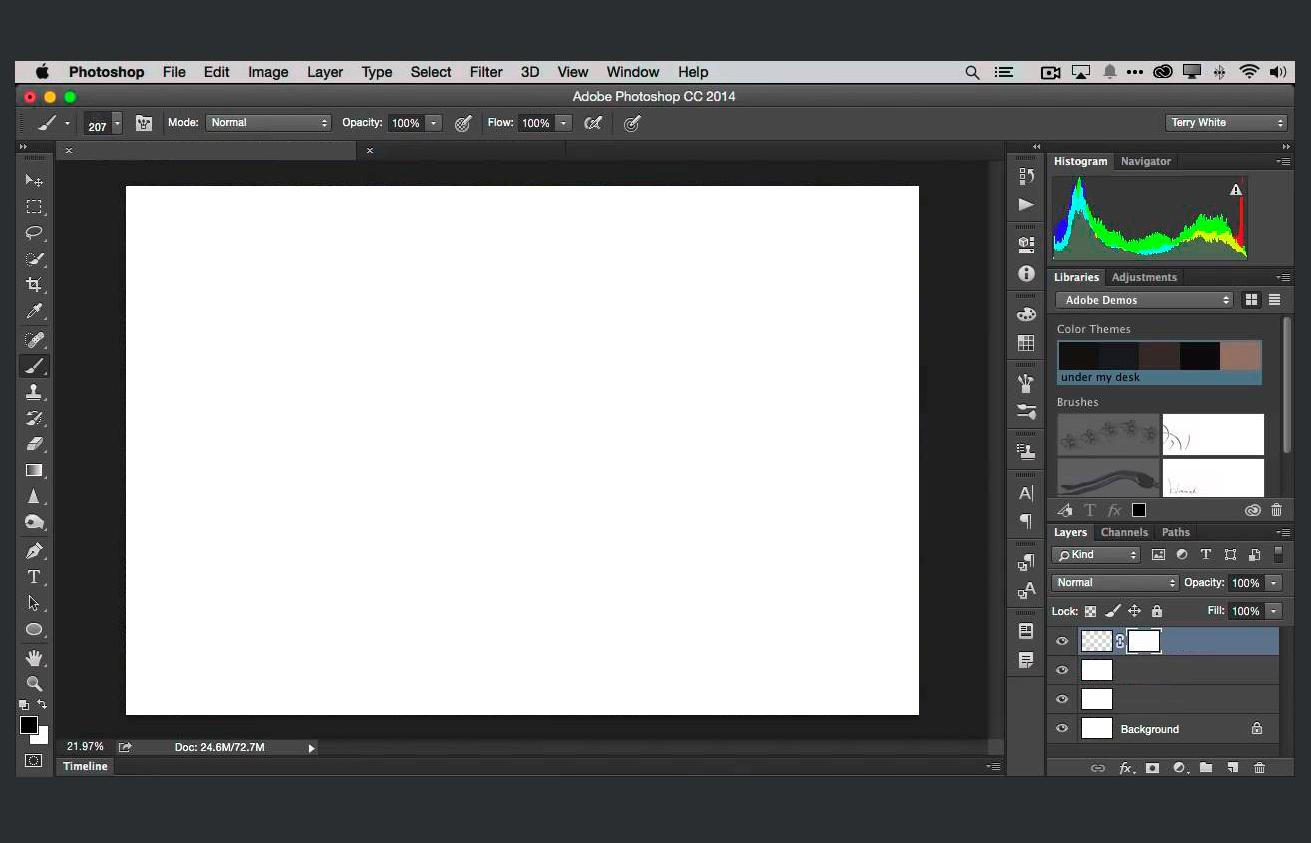
2014
Photoshop 15, Creative Cloud 2014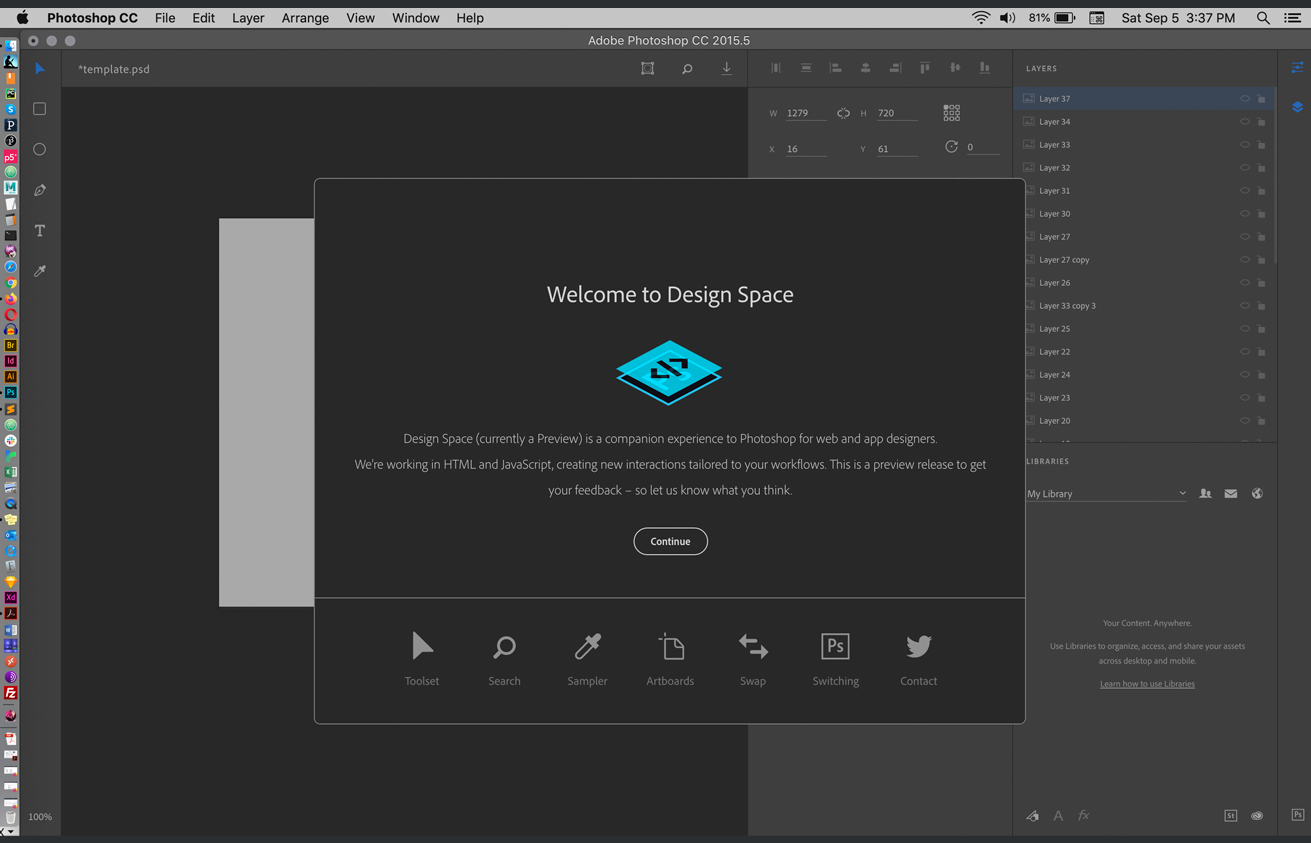
2015
Photoshop 16/17, CC 2015.5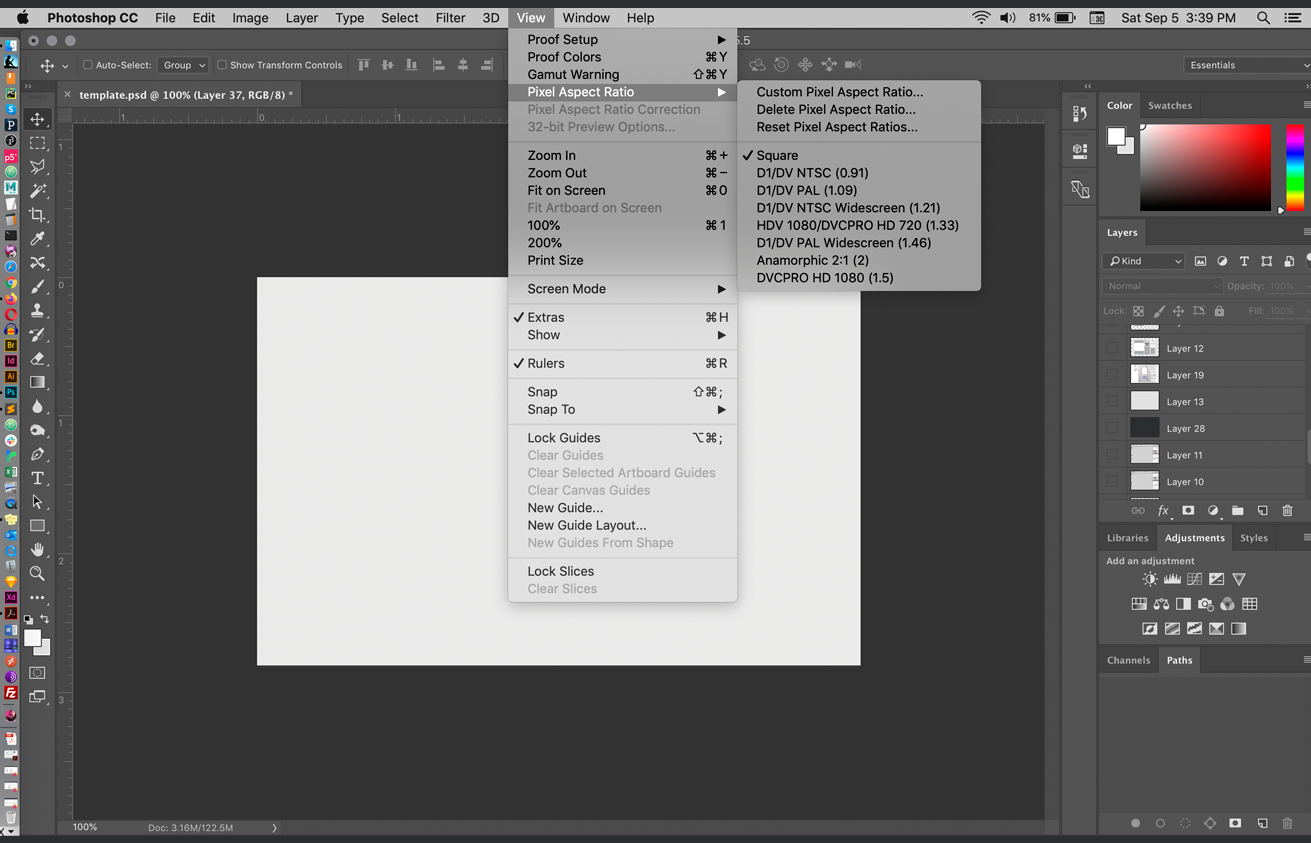
2015
Photoshop 16/17, CC 2015.5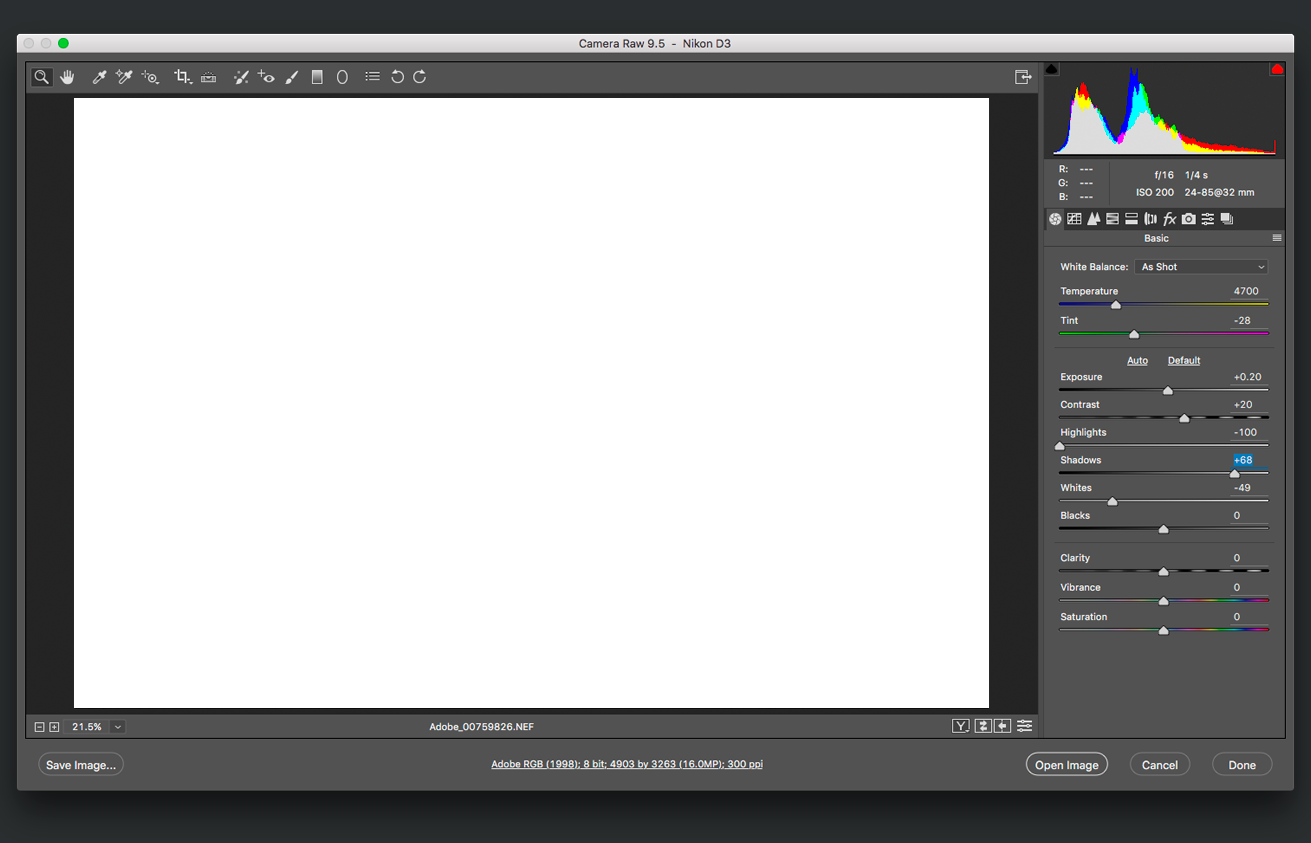
2016
Photoshop 18, CC 2017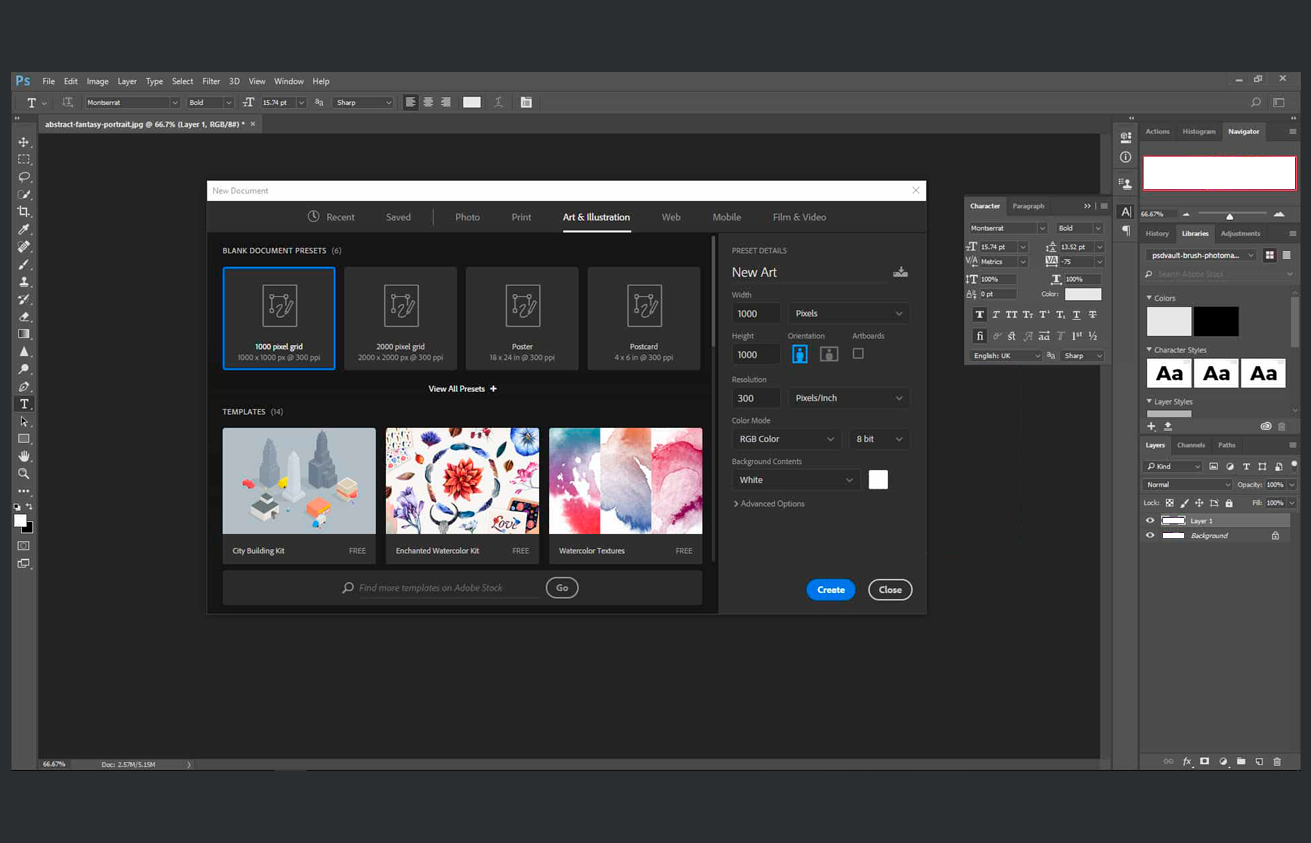
2017
Photoshop 19, CC 2018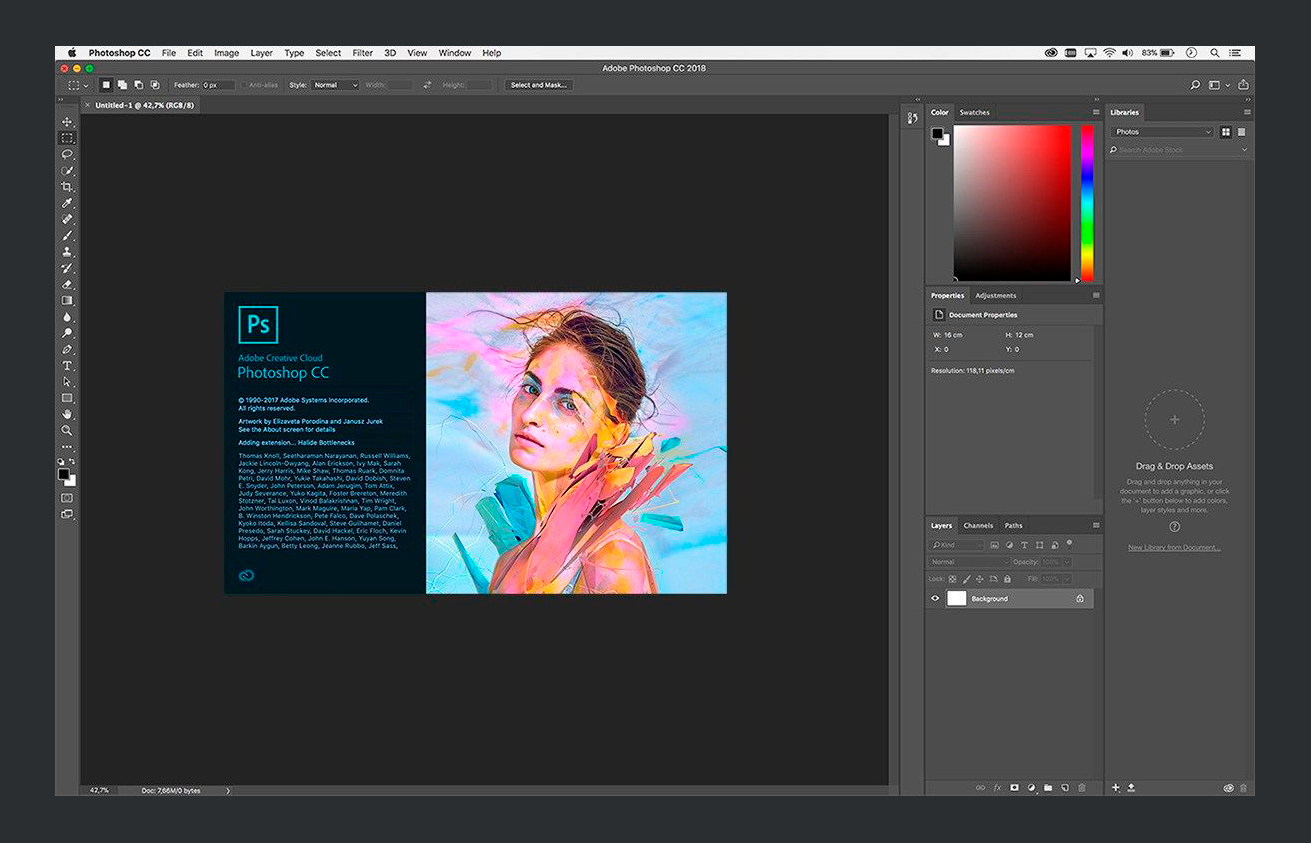
2018
Photoshop 20, CC 2019